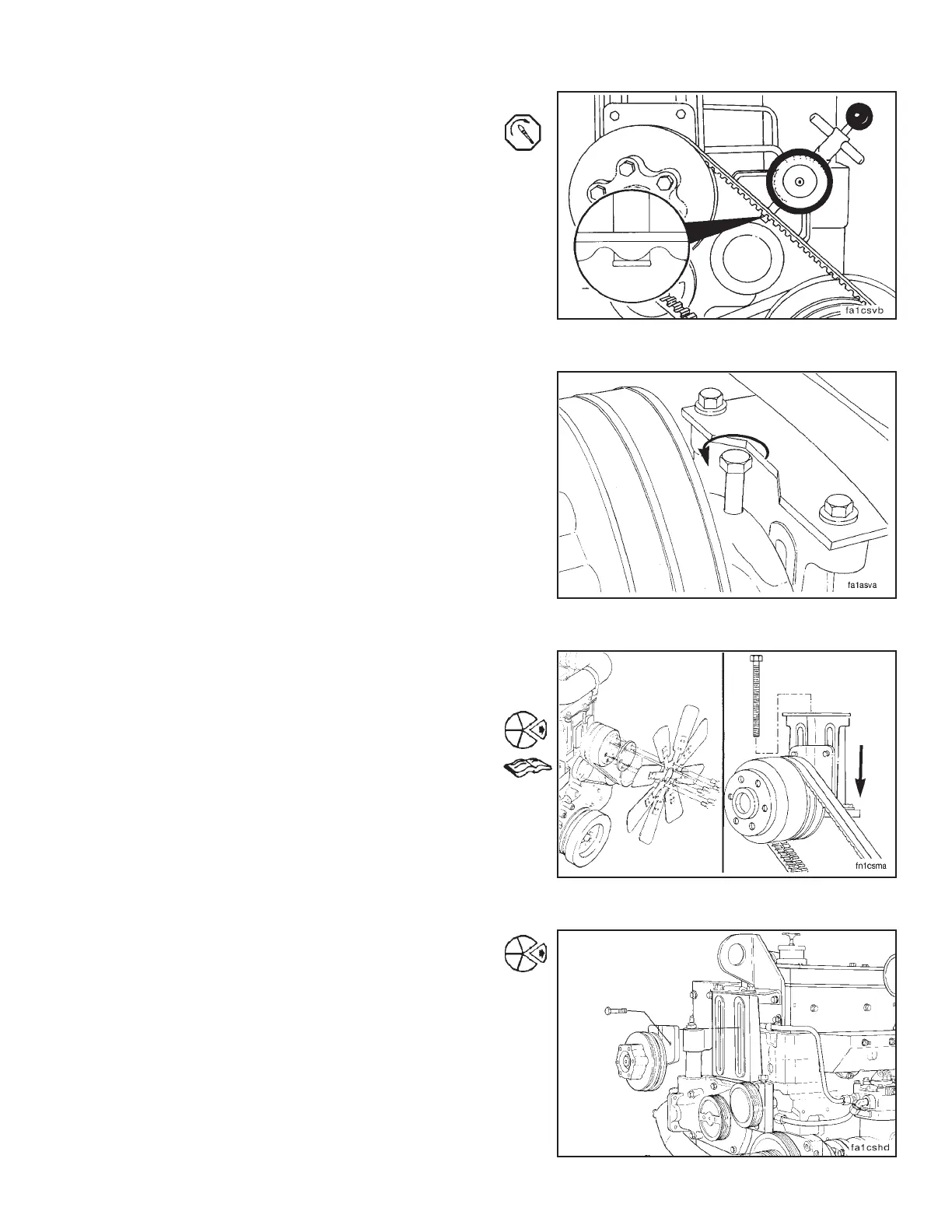
Tighten the fan hub mounting capscrews.
Torque Value: 108 N•m [80 ft-lb]
Measure the belt tension again using Service Tool, ST-
1138. Adjust if necessary.
When satisfactory belt tension is obtained, loosen the
adjusting screw 1/2-turn to prevent breakage.
Fan and Fan Hub (1-22)
Removal
Remove the fan.
NOTE: Do not discard the fan spacers. The spacers provide
the thickness needed to install the fan in the correct position.
Turn the adjusting screw counterclockwise to release
tension. Remove the adjusting screw, and remove the
belts. Refer to Procedure 1-21.
Remove the capscrews and the fan hub.
NOTE: Both two capscrew and four capscrew designs are
available.
Section 1 - Cooling System Fan and Fan Hub (1-22)
N14 Page 1-45



 To Next Page