16~17:Acceleration/Deceleration time selection
Two terminals for acceleration/deceleration time selection have
four state combinations, as listed in the following table.
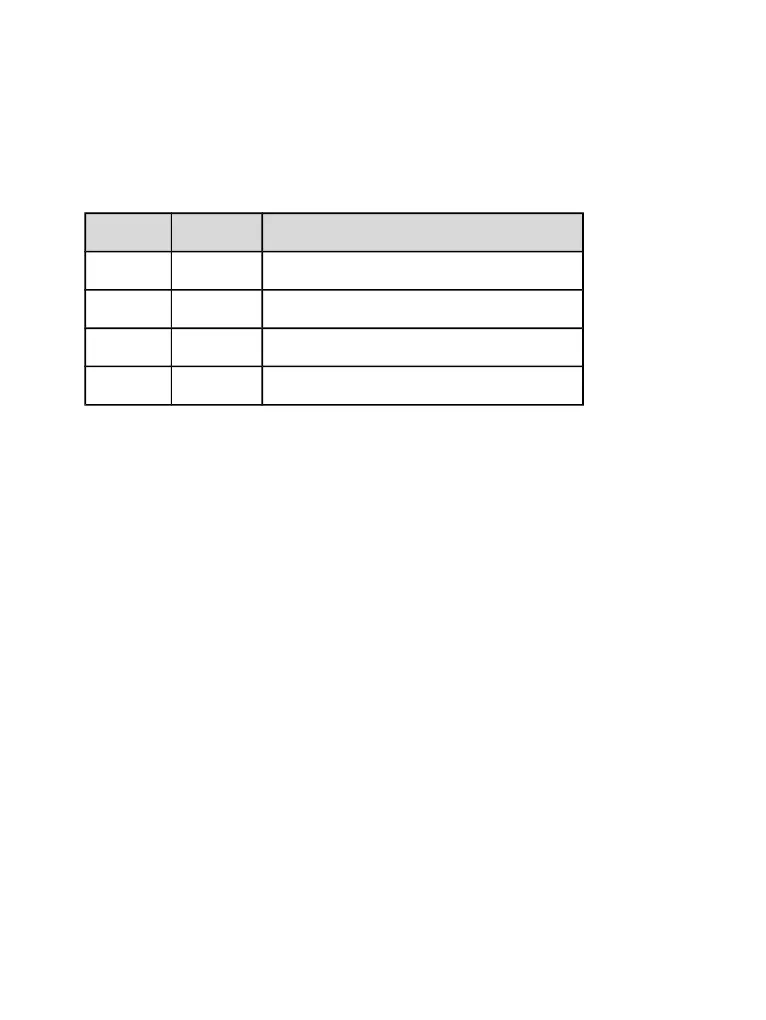
Terminal 2 Terminal 1 Acceleration/Deceleration time selection
OFF OFF Acceleration time 1/ Deceleration time 1
OFF ON Acceleration time 2/ Deceleration time 2
ON OFF Acceleration time 3/ Deceleration time 3
ON ON Acceleration time 4/ Deceleration time 4
Table 6-2 Acceleration/Deceleration time selection
18:Frequency source switchover
The terminal is used to perform switchover between two frequency sources according to the
setting in P0.19.
19:UP and DOWN setting clear (terminal, operation panel)
If the frequency source is digital setting, the terminal is used to clear the modification by
using the UP/DOWN function or the UP/DOWN key on the operation panel, returning the set
frequency to the value of P0.02.
20:Command source switchover terminal
If the command source is set to terminal control (P0.03=1), this terminal is used to perform
switchover between terminal control and operation panel control.
If the command source is set to communication control (P0.03=2), this terminal is used to
perform switchover between communication control and operation panel control.


 To Next Page