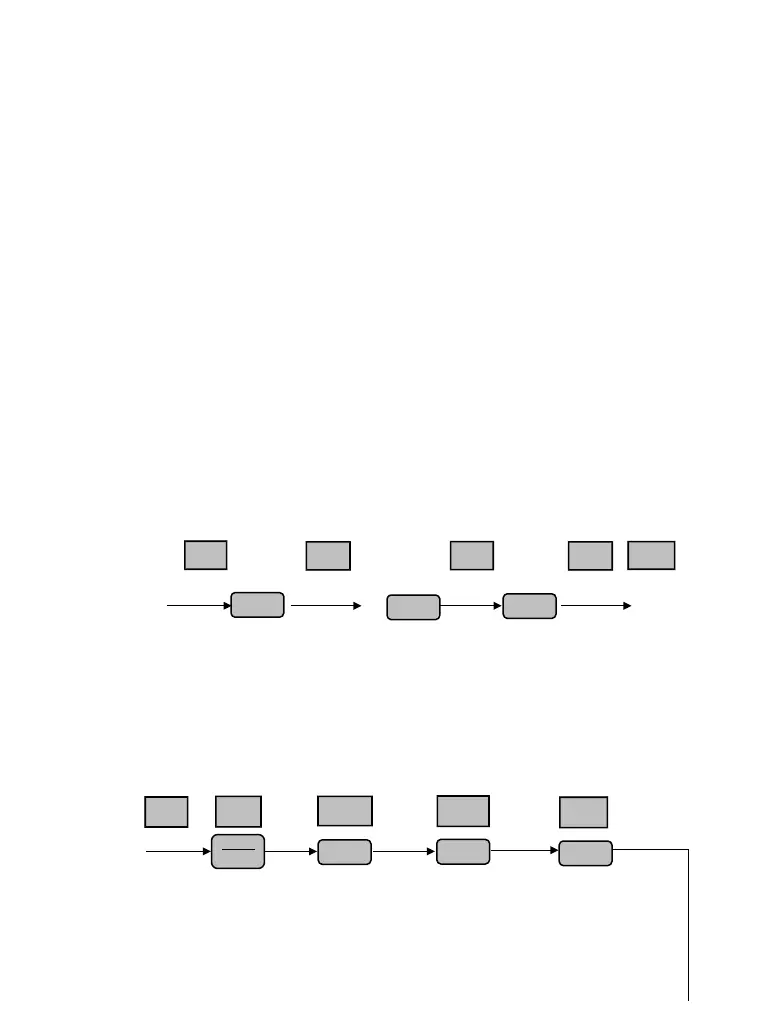
Fig. 4-8 Example of function code parameter setting
Note: In third level menu, if the parameter displayed is not in flashing, it means that this
function code is unable to be revised. Probably the reasons are:
(1) This function code parameter is unmodifiable, such as actual detected state parameter,
record running parameter, etc.
(2) This function code parameter can not be revised in running state. It just can be revised in
stopping state.
(3) The parameter is under protection. When function code P3.01 unit’s place is 1 or 2, all
function code parameter can not be revised. This is parameter protection to avoid fault
operation. Set P3.01 unit’s place as 0 to make modification available.
C、JOG running operation
Following is an example. Suppose it is in panel control mode and in stopping state, JOG
running frequency is 5Hz.
Fig.4-9 JOG running operation
D、Password authentication operation
Suppose P0.00 password parameter has been set as “2345”. The authentication operation
is shown as Fig. 4-10. The bold figure represents the flashing bit.
output freq.
setting freq.
0.0.0.5


 To Next Page