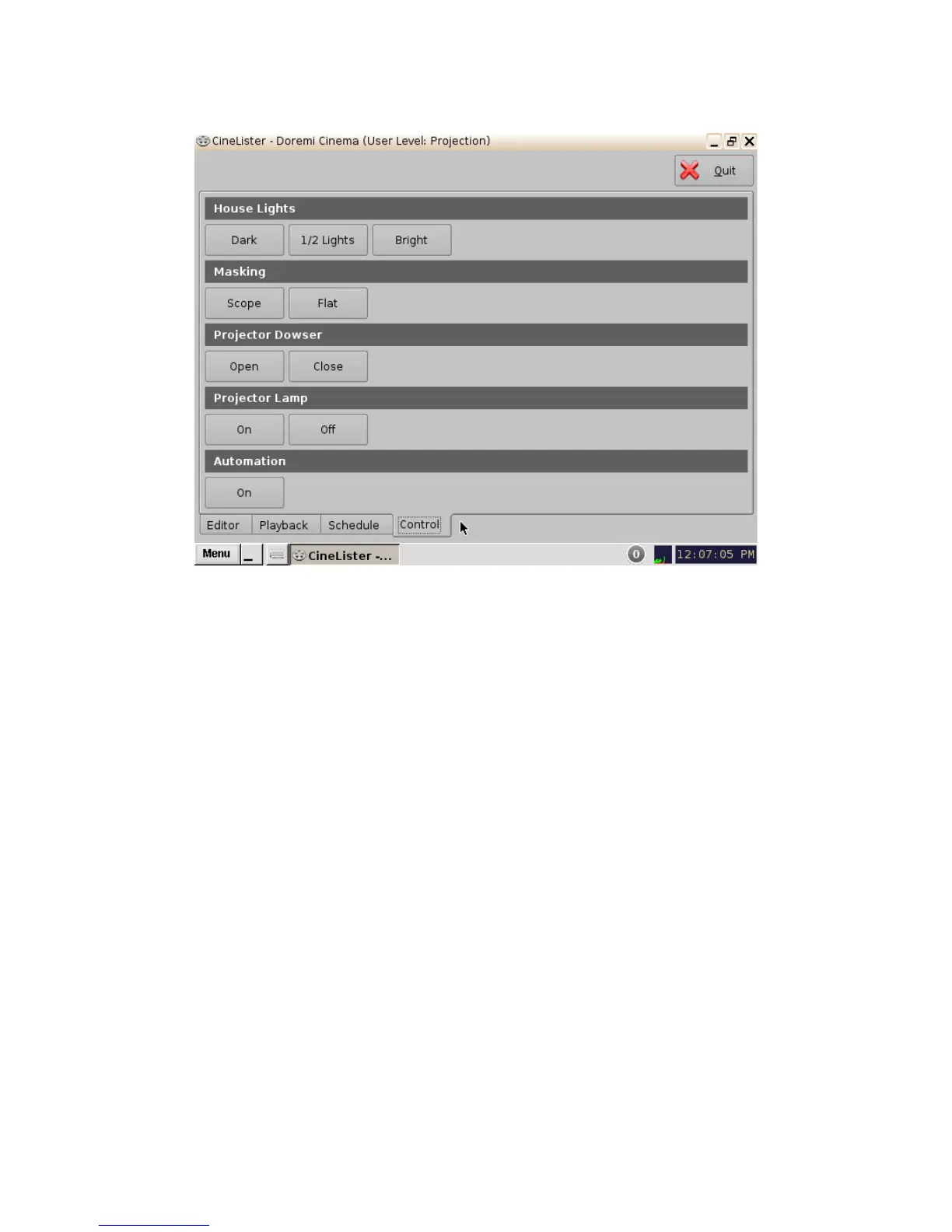
Figure 217: Control Tab
18.2.1 Configuration Example
This an example of a source code for the Control tab image above. The buttons and macros that
will be executed need to be based on the pre-existing macros and names on the server.
<?xml version="1.0" encoding="UTF-8"?>
<CinelisterControlView>
<ControlViewList>
<ControlView>
<TitleText>House Lights</TitleText>
<ControlViewButtonList>
<ControlViewButton>
<Text>Dark</Text>
<Execute>MACRO_DARK_LIGHT</Execute>
</ControlViewButton>
<ControlViewButton>
<Text>1/2 Lights</Text>
<Execute>MACRO_HALF_LIGHT</Execute>
</ControlViewButton>
<ControlViewButton>
<Text>Bright</Text>
<Execute>MACRO_BRIGHT_LIGHT</Execute>
</ControlViewButton>
______________________________________________________________________________________
D2K.OM.001822.DRM Page 169 of 177 Version 1.5
Doremi Labs



 To Next Page