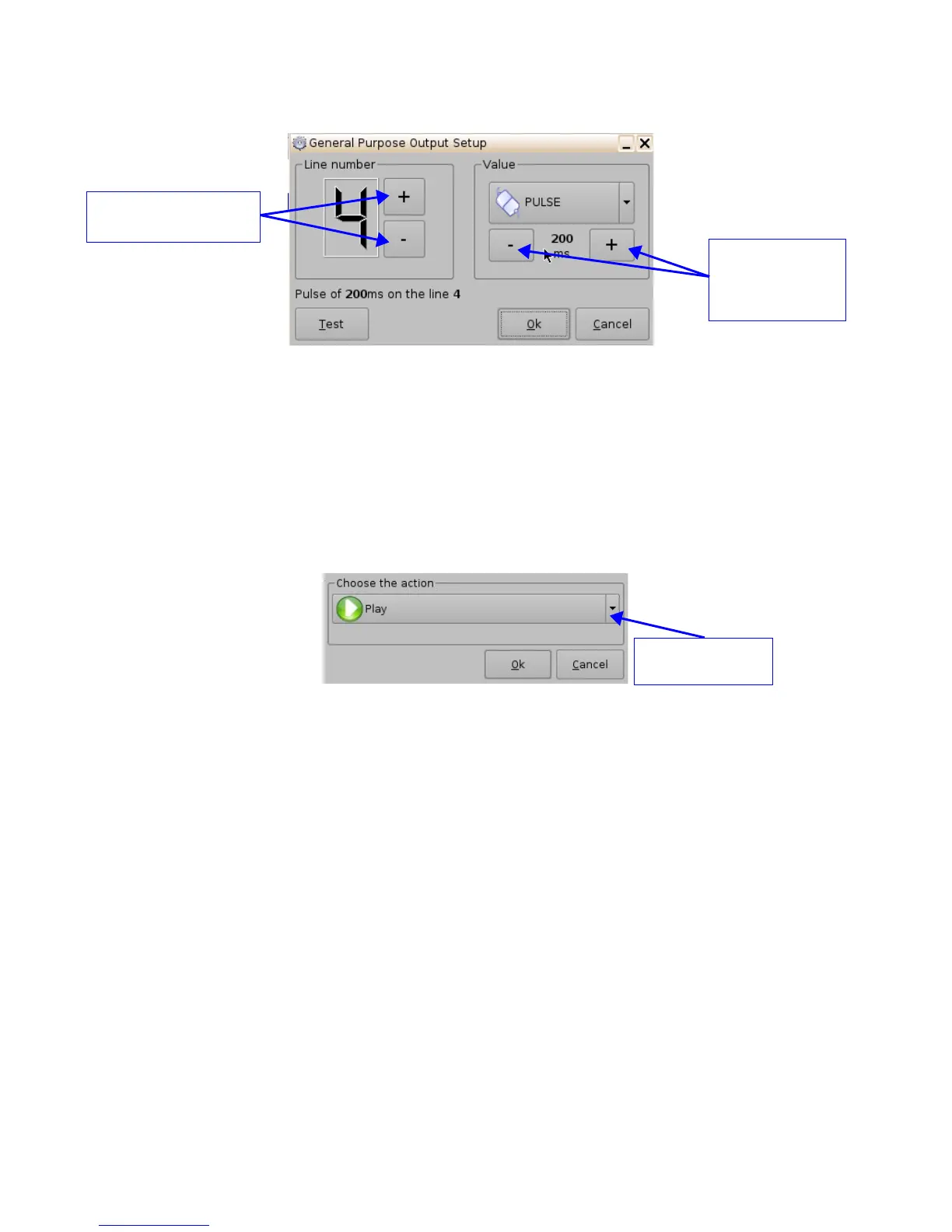
Figure 170: GPO Setup Window
• Set the line number and value according to the usage and click the Ok button.
13.4.2 Playback Action Insertion
• To add a “Playback Action” click the “Playback Actions” button in the “Add a new Action”
window.
• Select "Playback" and then select "Playback Actions."
• The following window will appear:
Figure 171: Playback Actions Setup Window
• Select the proper playback action between “Play,” “Pause,” “Toggle Play/Pause,” or “Recue
Show” and click the Ok button.
______________________________________________________________________________________
D2K.OM.001822.DRM Page 137 of 177 Version 1.5
Doremi Labs
Use the minus/plus
buttons to change
the value of the
pulse
Button used to choose the
GPO line number
Playback action
selection button



 To Next Page