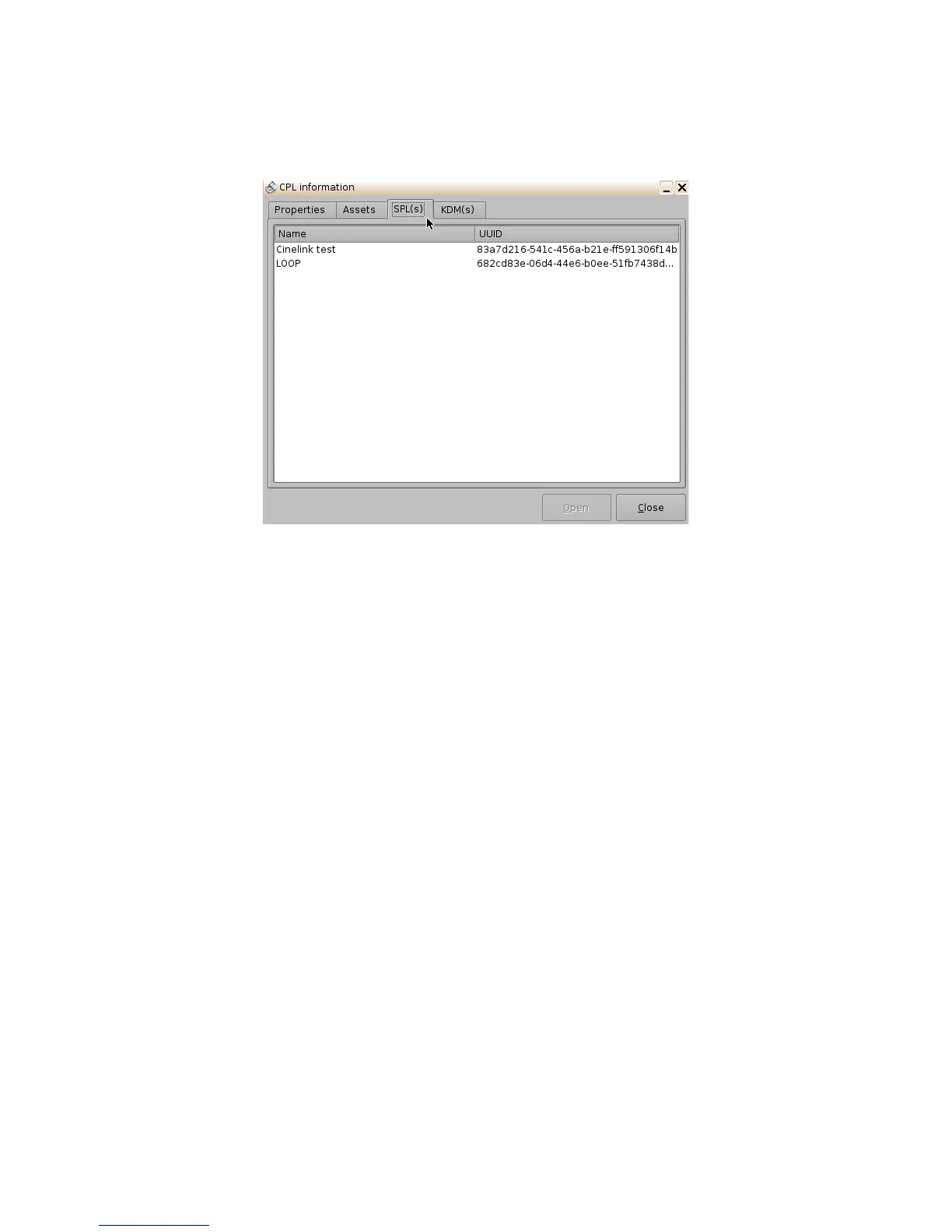
6.4.2.2.3 SPL(s) Tab
• The SPL(s) tab displays information related to all of the Show Playlists that contain the
selected CPL.
Figure 62: CPL Information Window - SPL(s) Tab
• The SPL information window will appear. Each SPL in this list contains the CPL that
information is sought for (Figure 63):
• Select the desired SPL from the "Name" column and click the Open button. This will open
the SPL information window Properties tab that will show all the names of the CPLs inside
that SPL.
• The second tab of the SPL information window displays the related schedules
(Figure 64).
______________________________________________________________________________________
D2K.OM.001822.DRM Page 55 of 177 Version 1.5
Doremi Labs



 To Next Page