10 Element Properties
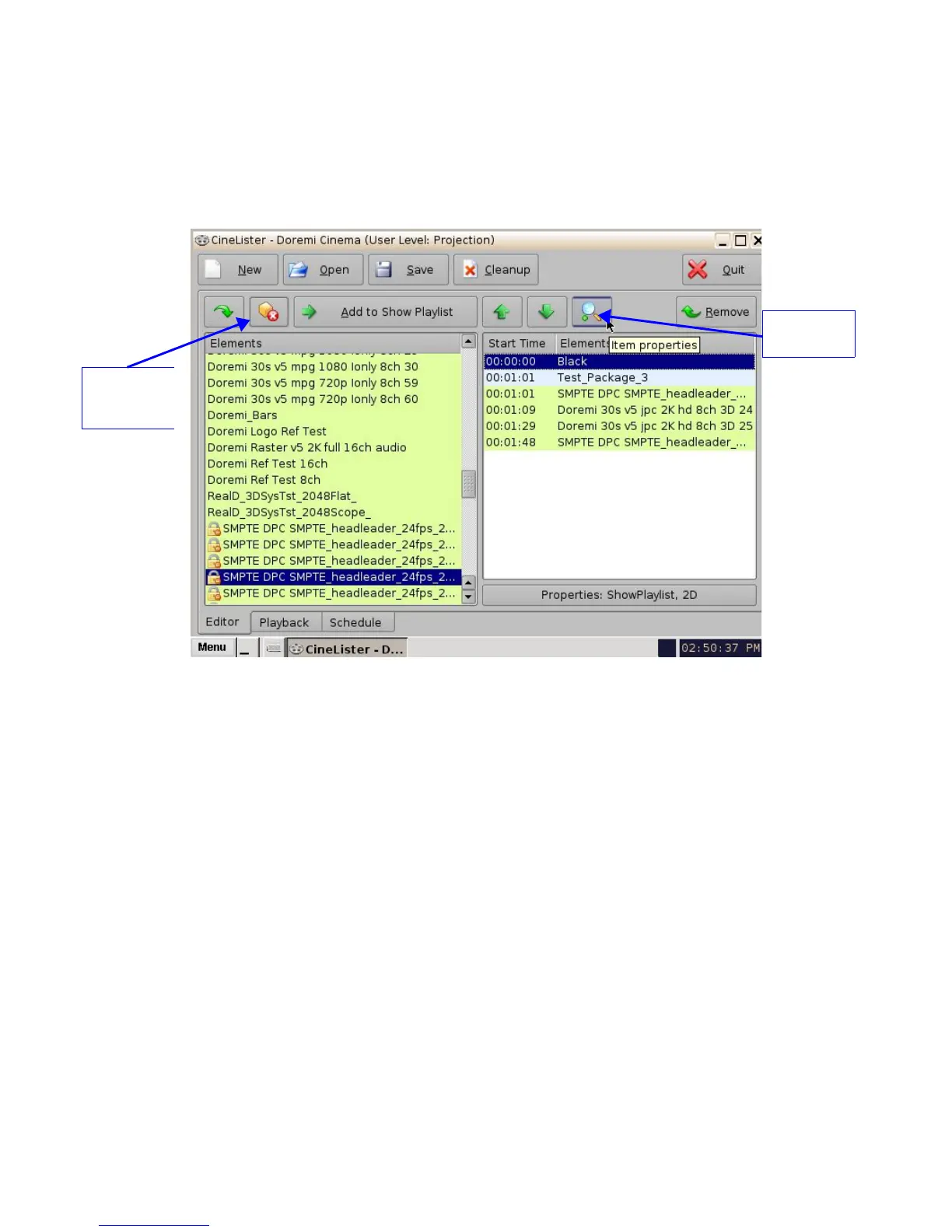
• To view the properties of any element in a Show Playlist, select the element from the right
side of the GUI. Either double-click on the selected item or click on the Properties button
( Figure 153).
• The “Composition Playlist Properties” window will appear ( Figure 154).
Figure 153: CineLister GUI – Editor Tab
______________________________________________________________________________________
D2K.OM.001822.DRM Page 121 of 177 Version 1.5
Doremi Labs
Properties
Button
Delete
Content
Button



 To Next Page