16.4 Adjusting the Default Values
• From the desktop Menu go to System, then click on Terminal. The Terminal window will
appear.
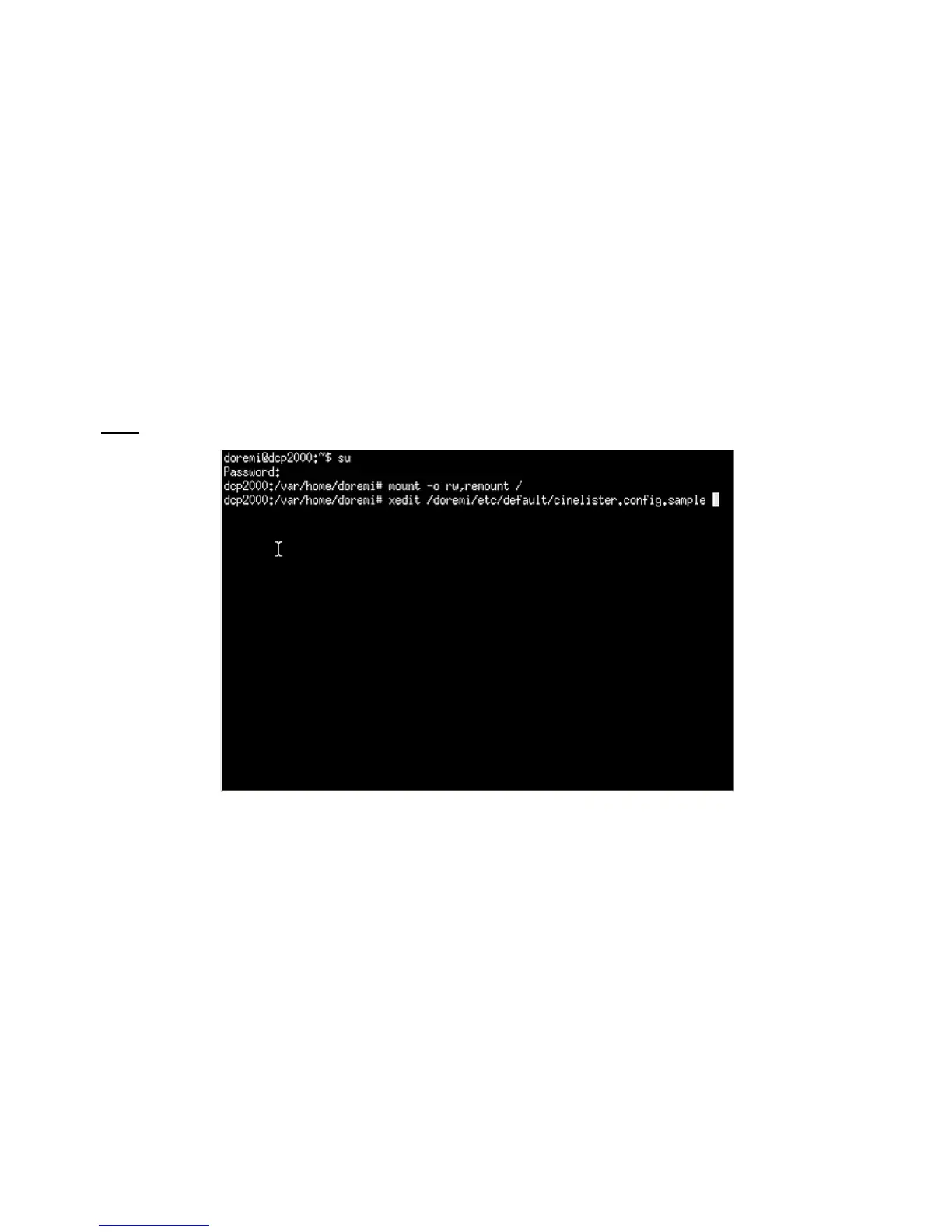
• Type “su” and press Enter ( Figure 200).
• Enter the appropriate password (contact the administrator for the password).
• Type: mount -o rw,remount / and then press Enter (note: the spaces in between the
characters must be respected).
• Type: xedit /doremi/etc/default/cinelister.config.sample and press Enter.
• You will be prompted to the “xedit' window ( Figure 201).
• Change the value to reflect the desired preference. Example: default setting is at 180
seconds, which is 3 minutes. If you wish to change it to 1 minute, type 60 instead.
• Make sure to click Save in the “xedit” window when finished ( Figure 201).
Note: Use the up/down and left/right arrows on your keyboard to navigate in the “xedit” window.
Figure 200: Terminal Window
______________________________________________________________________________________
D2K.OM.001822.DRM Page 155 of 177 Version 1.5
Doremi Labs



 To Next Page