Note: The current software does not support NTFS file system to export to. If your USB is
formatted as NTFS, then an error message will appear to indicate that the file was not exported.
Currently, the supported file system formats for exporting include: FAT (limit 4GB per file), FAT 32
(limit 4GB per file), ext2, ext3, and HFS.
6.4.7 Information Button
• Select an SPL and click the Information button to get details regarding the SPL.
• The SPL Information window pops up and displays SPL Properties tab (all CPLs in it) and
the Related Schedules tab (see Figure 63 & Figure 64).
6.4.8 Licenses Page
• To get to the Licenses page you must click on the Home icon and select the Licenses menu
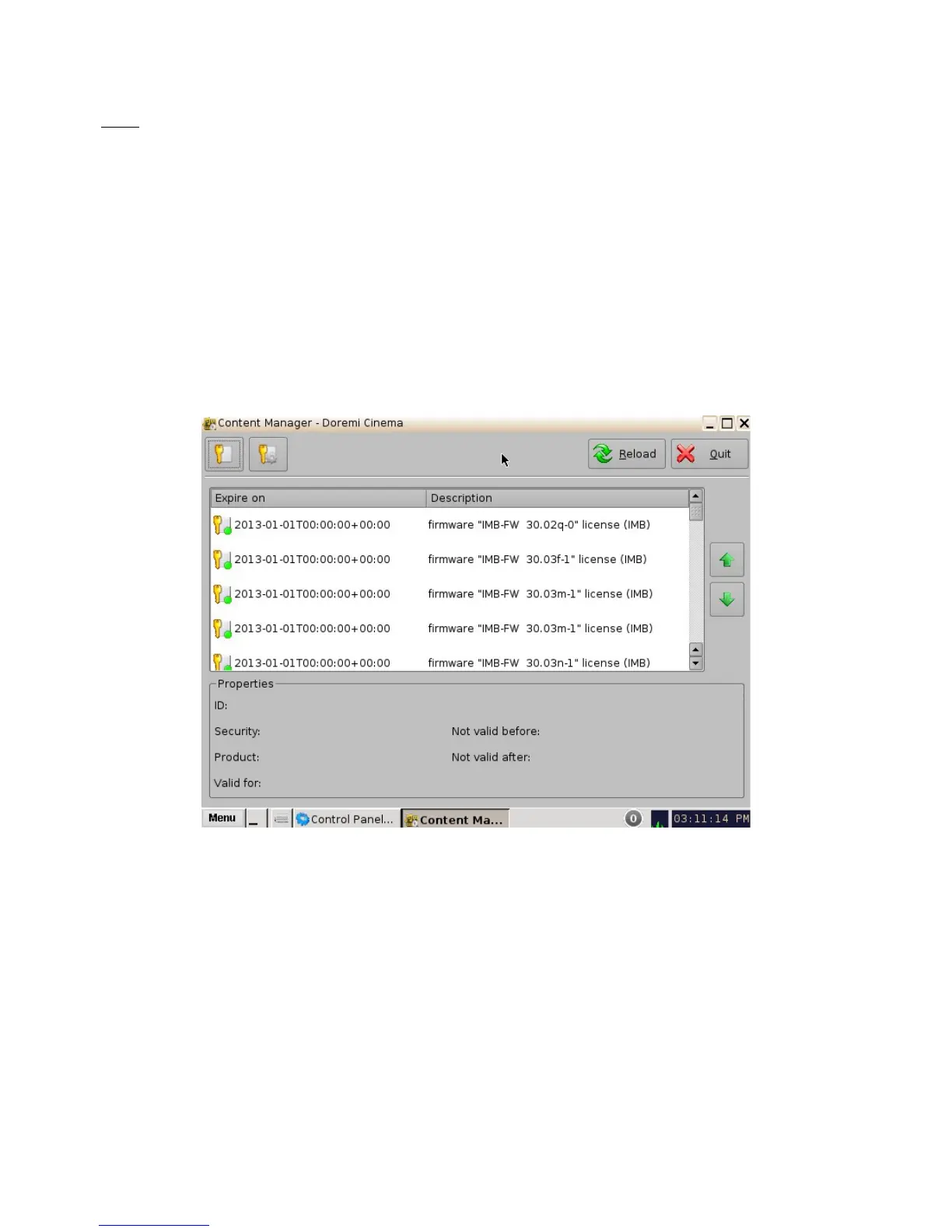
item. The Licenses page will appear (Figure 77).
Figure 77: Licenses Page
• The Licenses page contains the list of all the licenses available on the unit including the
expiration date and short description of the usage of the license. On this page, the user is
allowed to delete licenses.
______________________________________________________________________________________
D2K.OM.001822.DRM Page 67 of 177 Version 1.5
Doremi Labs



 To Next Page