16 CineLister Playback Tab
16.1 Playback an Existing SPL
• Click on the Open button from the CineLister Editor tab ( Figure 191).
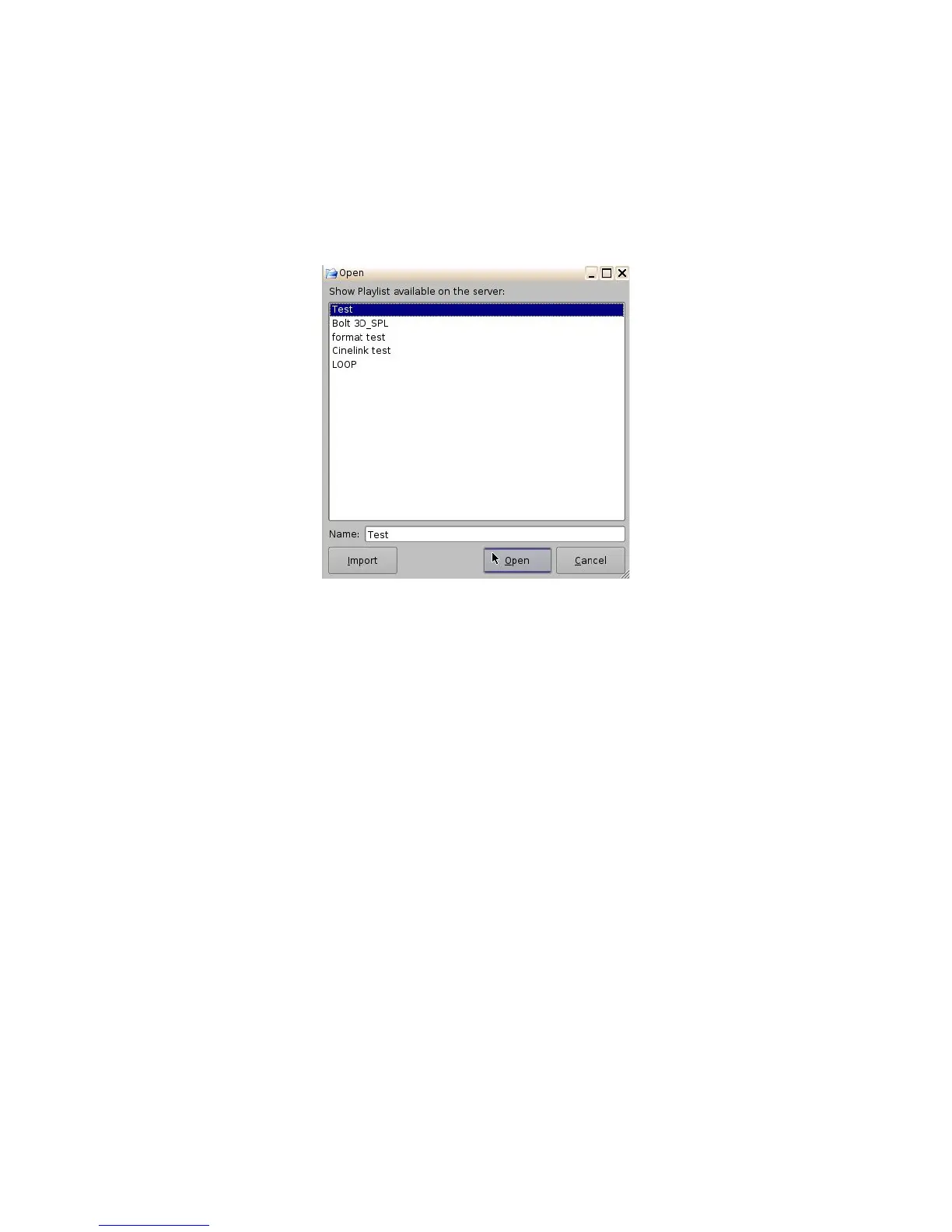
• The following window will appear.
• Select the SPL you want to play and click Open.
Figure 194: Open SPL Window
• Next, go to the Playback tab from the CineLister GUI (Figure 195).
• Click the Play button to load the Playlist.
• If no Playlist is selected, a message will appear stating, “The Show Playlist is Empty”
(Figure 196).
______________________________________________________________________________________
D2K.OM.001822.DRM Page 151 of 177 Version 1.5
Doremi Labs



 To Next Page