7 Ingest Manager GUI
7.1 Ingesting Content
The Ingest Manager GUI will only show items that can be supported by the DCP-2000 (text,
documents, pictures, power-point presentations, etc. will not appear).
Note: Compositions (CPL's), Key Delivery Messages (KDM's), Doremi License File's (DLM's), and
Show Playlists (SPL's) can all be ingested through the Ingest Manager GUI.
7.2 Content Types
Different types of content can be displayed in the Ingest Manger GUI window.
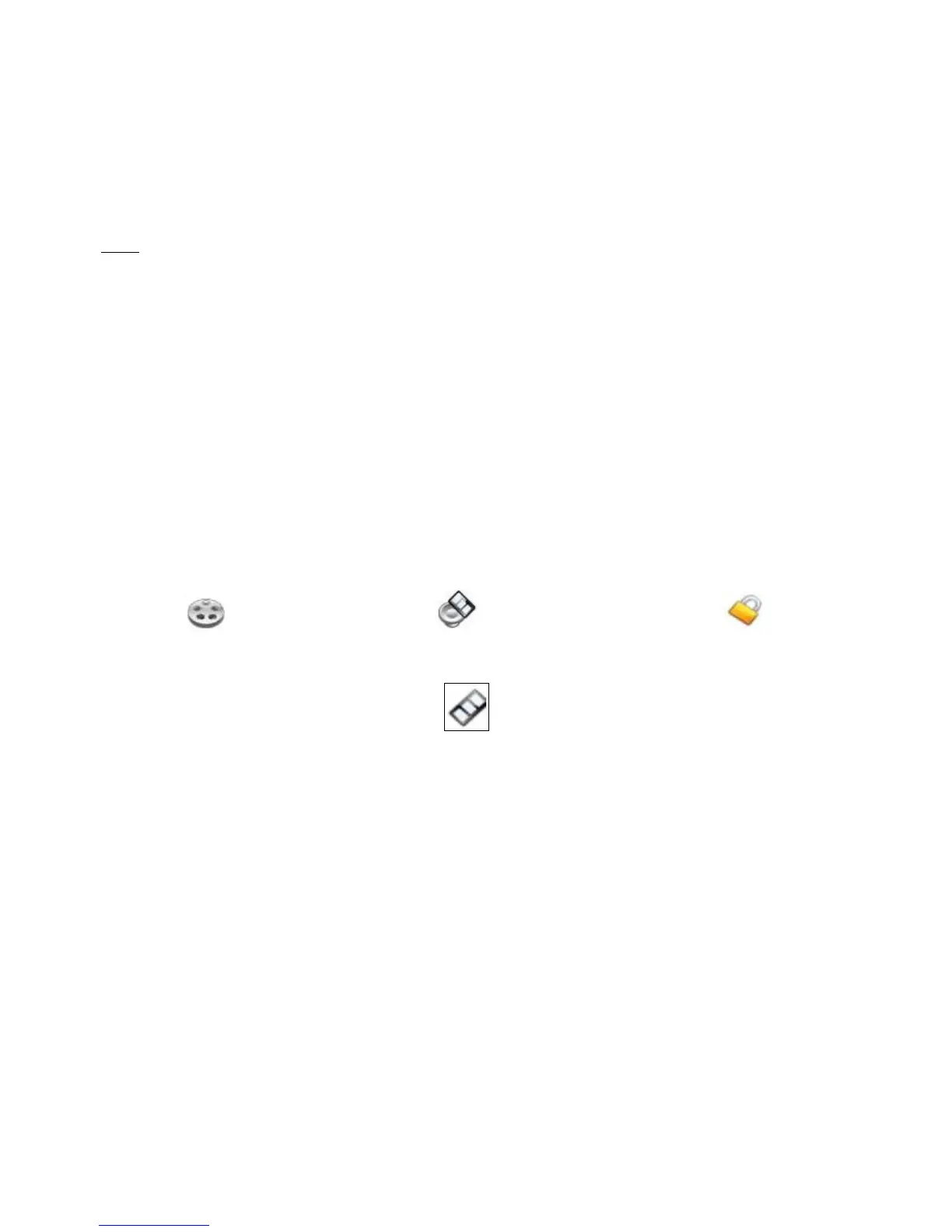
• “Reel” icons represent a Composition Package which contain audio-video content (e.g.
features, trailers, etc.). See Figure 132.
• “Speaker and Film” icons represent Individual compositions within a Composition package.
• “Film” icons represent Show PlayLists (SPL's), which contain the main feature and trailers.
Note: When the SPL is ingested, the Ingest Manager GUI will show all of the components
that make up the SPL ( Figure 135).
• “Lock” icons represent Key Delivery Messages (KDM's), which contain the required
decryption keys allowing playback of the corresponding CPL's.
Figure 132: “Reel”Icon Figure 133: “Speaker and Film” Icon Figure 134:“Lock”Icon
Figure 135: “Film” Icon
______________________________________________________________________________________
D2K.OM.001822.DRM Page 106 of 177 Version 1.5
Doremi Labs



 To Next Page