13.5 Automation Library Usage
13.5.1 Using Automation Library
Support for theater automation control is provided. The list of currently supported devices are:
• Certainty:
• Dolby DFC100:
• eCNA:
• JNior Expansion Module:
• JNior:
• Raw: A “Raw” device allows for easy communication with an external device across an
Ethernet connection using Raw data formatted as text or binary strings. However, the Raw
device does not have a pre-built library with a set of supported automation commands. The
raw device is intended only as a means of communication between devices.
When one of the supported devices (e.g., eCNA and JNior) is added, the Macro Editor will allow
the user to use the corresponding commands for each device.
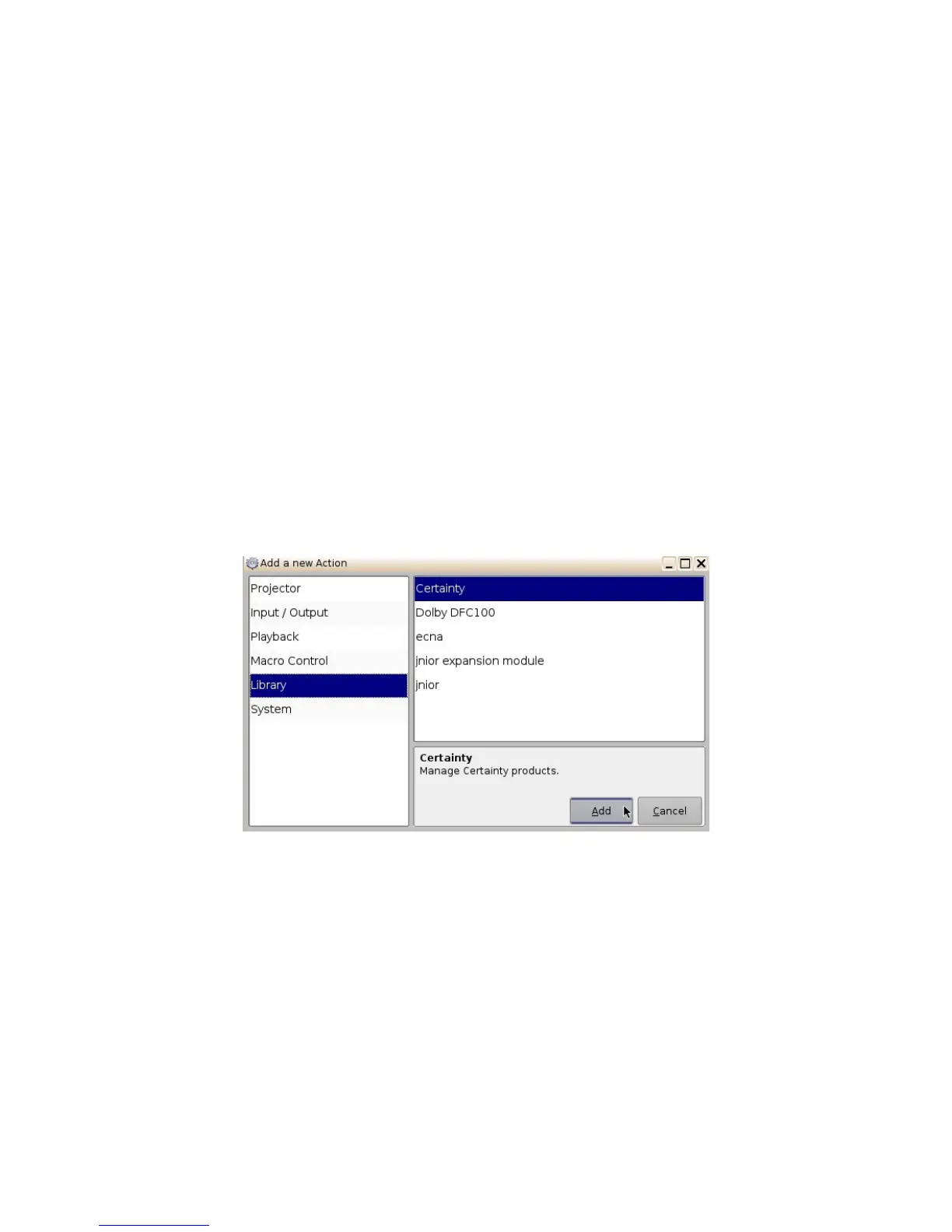
• To use a library command, click on Library in the “Add a new Action” window.
• Select one of the available devices in the left part of the following window.
Figure 177: Macro Editor GUI Automation Configuration Example
• Select one of the available devices in the right part of the window and click the Add button.
• The following pop-up window will appear:
______________________________________________________________________________________
D2K.OM.001822.DRM Page 140 of 177 Version 1.5
Doremi Labs



 To Next Page