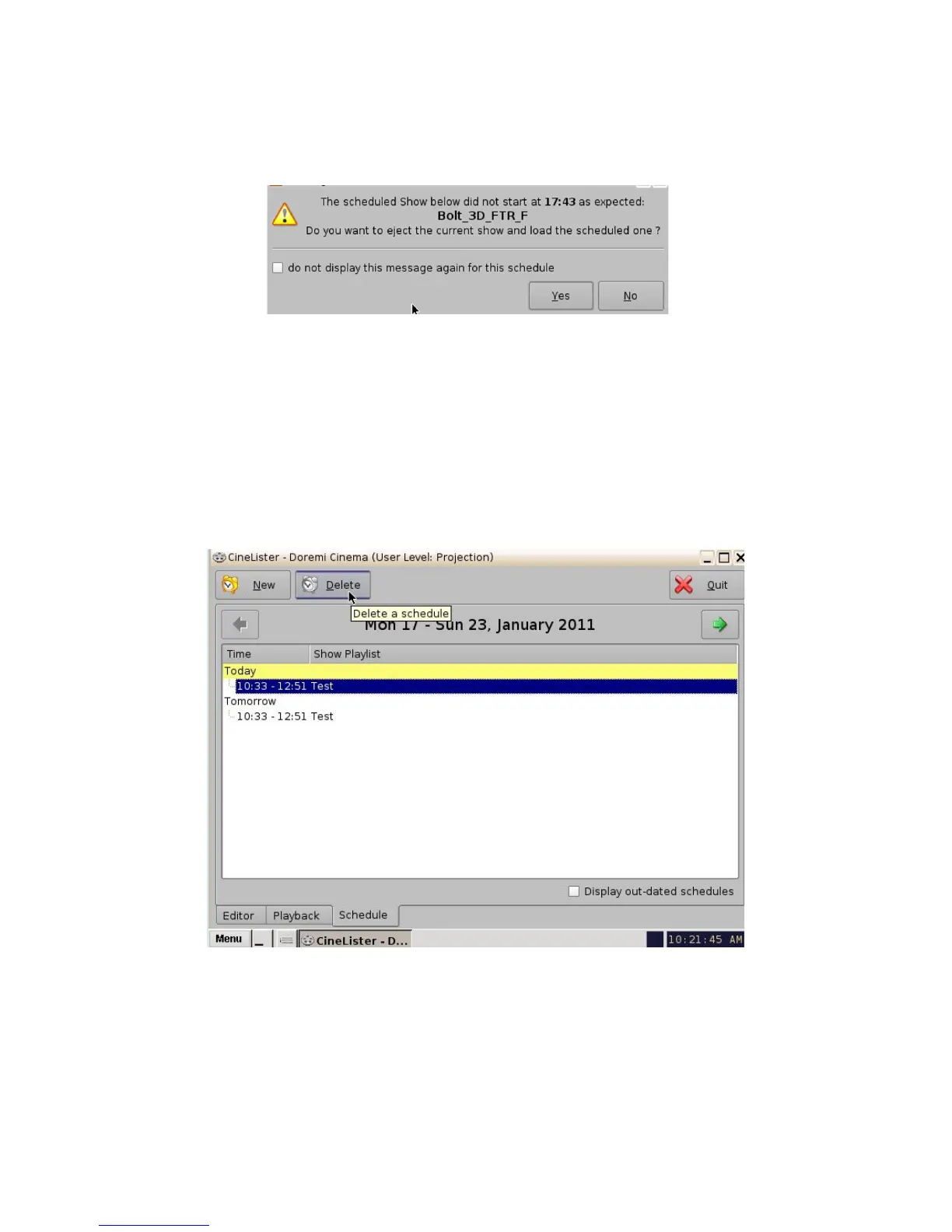
17.2.2 Scheduled Show Did Not Start Error
If you get an error message stating, “The scheduled Show below did not start as expected.” This
can be due to several reasons. Contact Doremi Labs Inc. for assistance (Section 1.3).
Figure 212: Scheduled Playback-- Error Message
17.2.3 Show Playlist Removal
• To delete a Show Playlist from the schedule, go to the CineLister Schedule tab.
• Click on the SPL to remove it in the Schedule window (Figure 213).
• It will become highlighted, then click on the Delete button.
• The appropriate password will be needed for the password authentication window that will
pop up.
Figure 213: Schedule Tab - Scheduled Playlist Deletion
______________________________________________________________________________________
D2K.OM.001822.DRM Page 165 of 177 Version 1.5
Doremi Labs



 To Next Page