6.8 Language Setup
Note: All applications are available for multi-language support except:
• Diagnostic Tool
• License Manager
• Live Manager
• Log Manager
• Log Operator Maintenance
• Networking Configuration
• Touchscreen Calibration
Note: Make sure that no application is open before setting the language.
• To change the language used on the unit, double-click the Language Setup icon in the
Control Panel window.
• The user will be asked for a password.
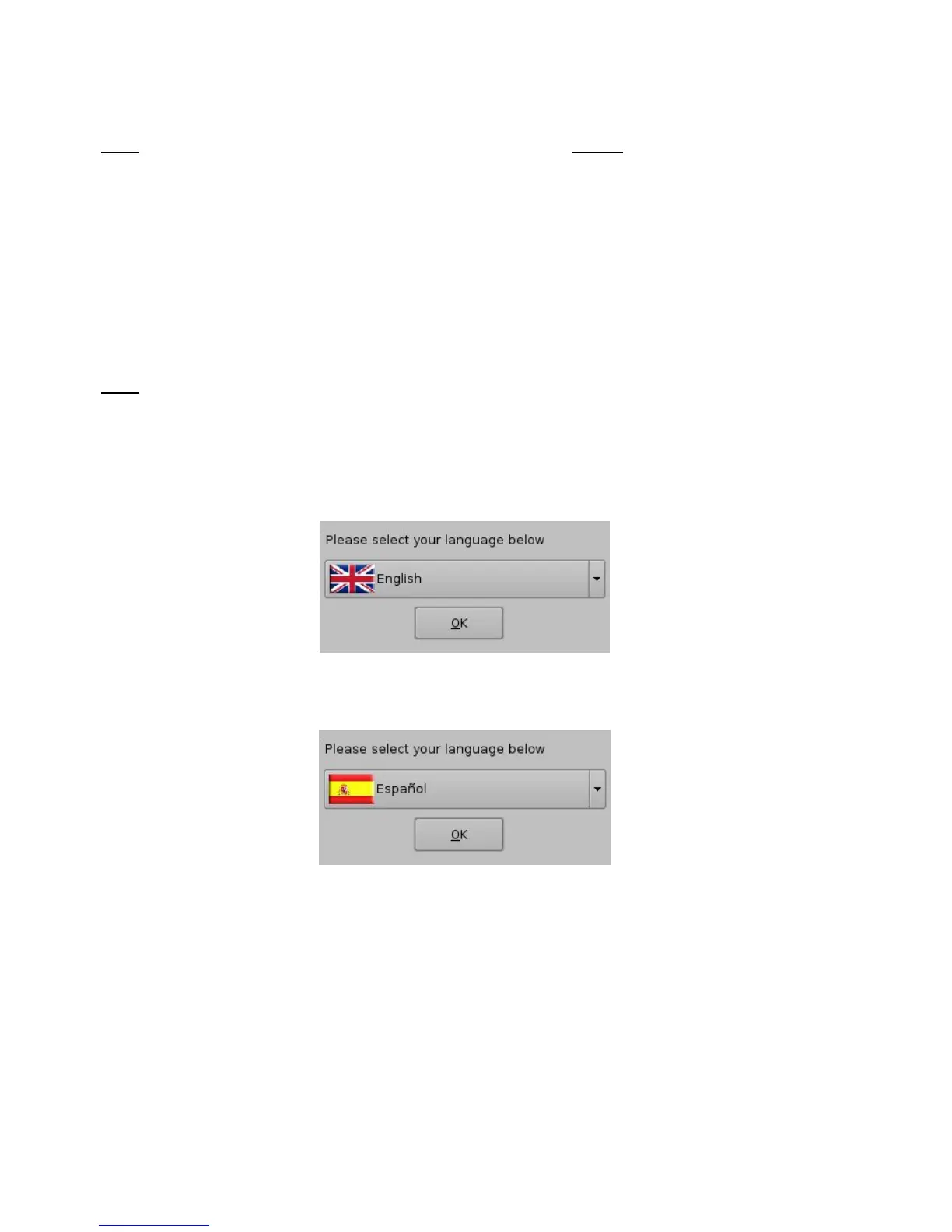
• The following Language Setup window will appear:
Figure 98: Language Setup Window - English
• Use the list-box to choose desired language, for example, “Espanol” (Figure 99).
Figure 99: Language Setup Window - Espanol
• The available languages include:
• German (supported)
• English (supported)
• Spanish (supported)
• French (supported)
• Norwegian (supported)
______________________________________________________________________________________
D2K.OM.001822.DRM Page 83 of 177 Version 1.5
Doremi Labs



 To Next Page