• Macro Control:
• Delay: Insert a delay between actions.
• Purge Pending Macro: Purge the current macro execution stack.
• Library:
• Certainty: Controls the Integrated Media Block (IMB) board (on ShowVaults only).
• Dolby DFC100: Allows for enabling and disabling the Dolby 3D color wheel.
• eCNA: Allows for controlling the external automation box.
• JNior expansion module: Allows for controlling the external automation box (9-16).
• JNior: Allows for controlling the external automation box (1-8).
• System:
• System Shutdown: Allows the user to shutdown the player.
• Click the Cancel button to cancel the action insertion.
13.4.1 Add a GPO Action to the Macro Automation Cue
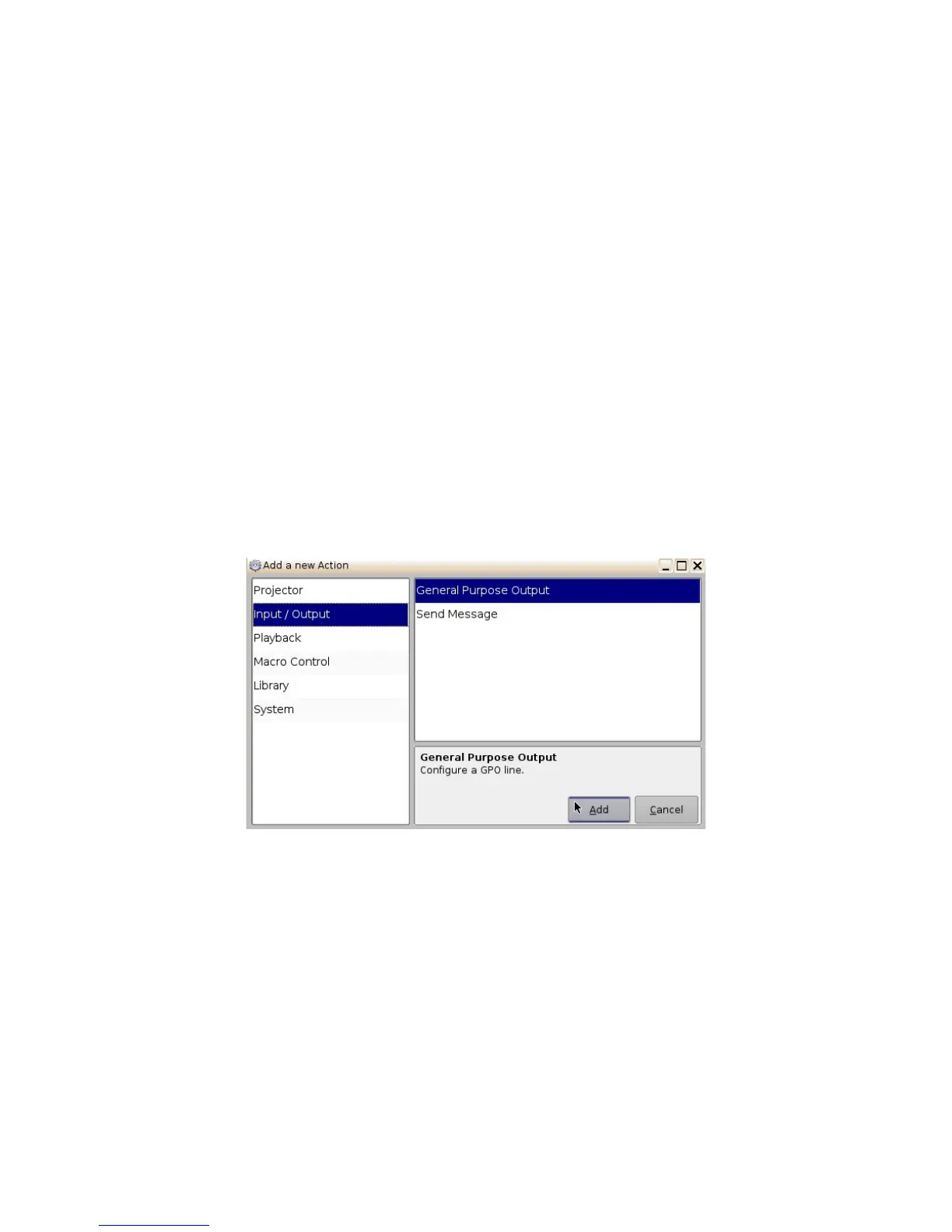
• To add a GPO action, click the “General Purpose Output” button which is located in the
"Input/Output" section in the “Add a new Action” window (Figure 169).
Figure 169: Add a New Action Window – GPO
• The following window will appear ( Figure 170):
______________________________________________________________________________________
D2K.OM.001822.DRM Page 136 of 177 Version 1.5
Doremi Labs



 To Next Page