• The License Information window will appear providing the validity window of the license.
• To delete a license from the unit, select it within the License Manager GUI and click the
Delete button.
• After ingesting a license, the associated device (e.g., “Subtitle Engine,” “Dolby DFC 100”)
will be visible in the Device Manager GUI.
6.10 Live Manager
The Live Manger application allows the user to add a "Virtual Device" as a source of a live event.
These "Live CPLs" can be added to Show Playlists in Cinelister.
• To access the Live Manager GUI, double-click the Live Manager icon within the Control
Panel GUI.
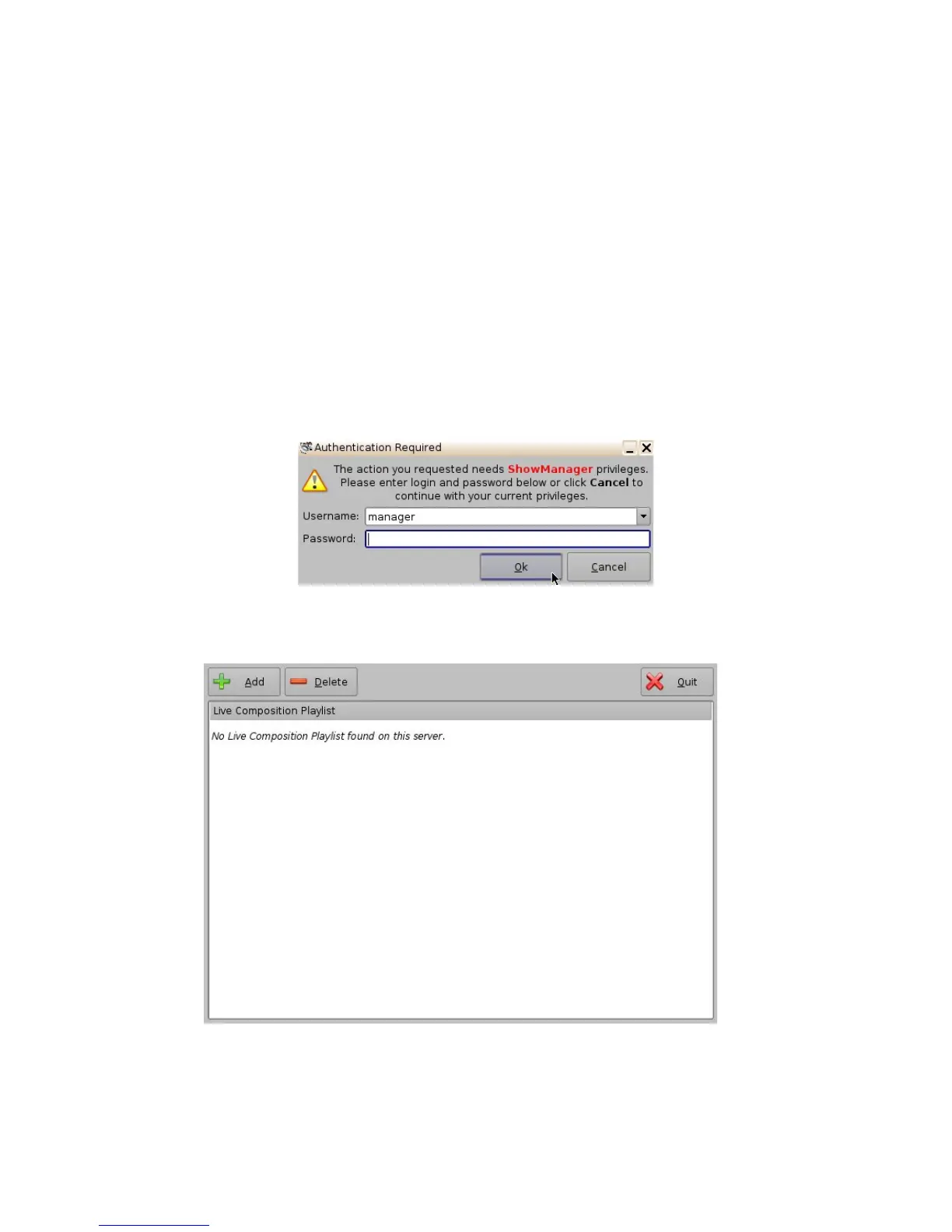
• The user will be asked for a password. Enter the appropriate password to continue (Figure
106).
Figure 106: Password Confirmation Window
• The following window will appear:
Figure 107: Live Manager GUI
______________________________________________________________________________________
D2K.OM.001822.DRM Page 89 of 177 Version 1.5
Doremi Labs



 To Next Page