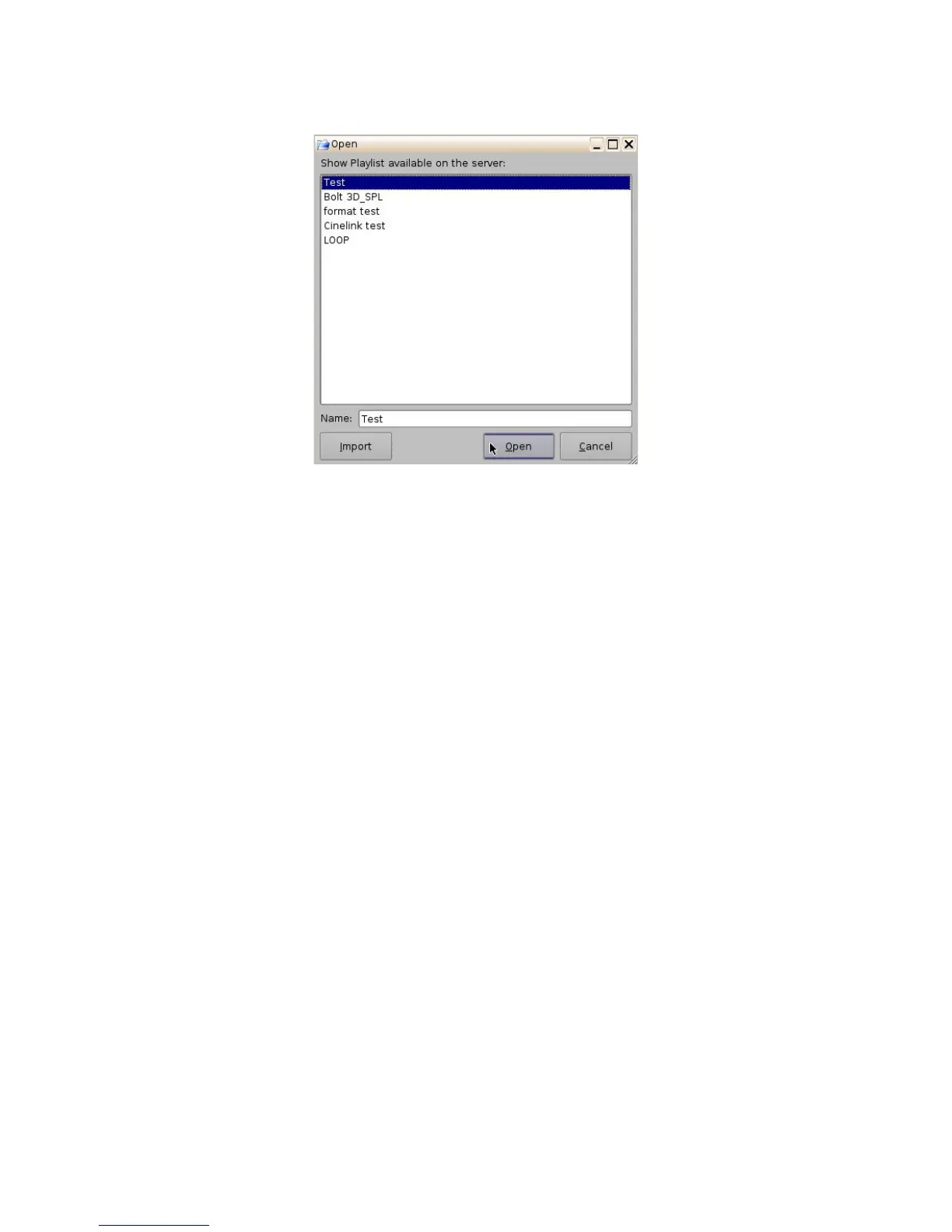
Figure 162: Open CPL Window
12.1 Editing an Existing Show Playlist
• Click on the Open button in the CineLister Editor tab (Figure 161).
• The user will be prompted to the “SPL's Available on Server” window (Figure 162).
• Select the SPL and click Open.
• The SPL's content will be displayed on the right side of the GUI (Figure 161).
• You can re-order the elements within the SPL by using the up and down arrows.
• You can remove elements by selecting them and then clicking the remove button.
• To edit the settings of an Automation or Trigger cue, double-click on it.
• To view the properties of a particular CPL, double-click on the CPL or select it and click on
the Properties button (Figure 161).
______________________________________________________________________________________
D2K.OM.001822.DRM Page 129 of 177 Version 1.5
Doremi Labs



 To Next Page