10.4 Deleting a CPL From the Server
• Select the CPL on the left part of the Editor tab GUI and click on the Delete Content button (
Figure 153).
Note: The Delete Content button will activate only when you select an item to be deleted.
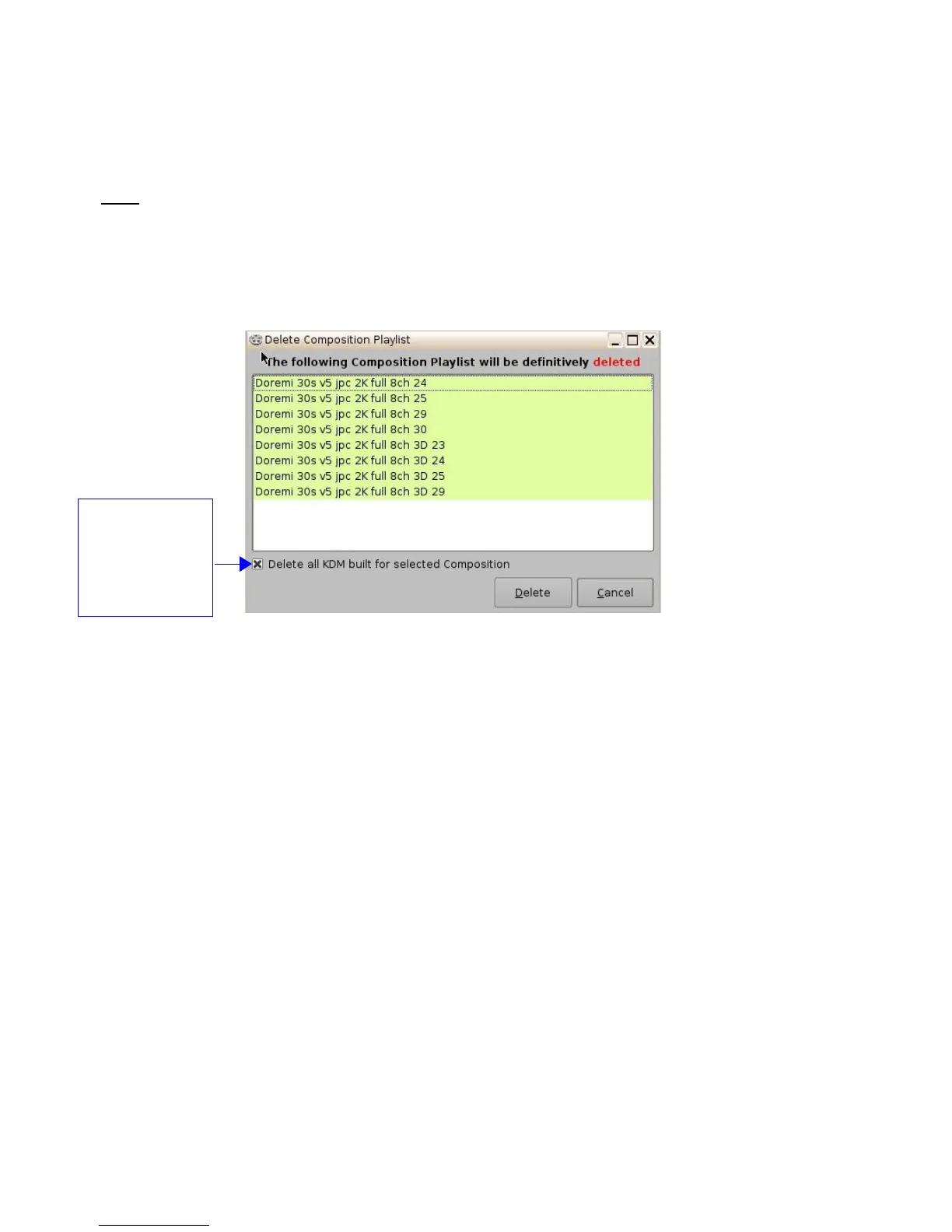
• Check the box located at the bottom left corner of the window to delete all KDM's related to
the selected Composition ( Figure 157).
• Click the Delete button to perform the deletion.
• For security purposes, a password will be needed to complete this operation.
Figure 157: Delete Composition Playlist Window
______________________________________________________________________________________
D2K.OM.001822.DRM Page 125 of 177 Version 1.5
Doremi Labs
Check box if you
wish to delete all
KDM related to the
listed CPL at the
same time as the
CPL itself



 To Next Page