8 Show Management Using CineLister
CineLister is an application that manages the DCP-2000 and will automatically appear when the
DCP-2000 is connected. CineLister is based on a Graphical User Interface (GUI) that allows the
creation, management, editing, and playback of SPL's and other ingested content. CineLister also
has the capability to schedule playbacks.
8.1 CineLister Editor Tab
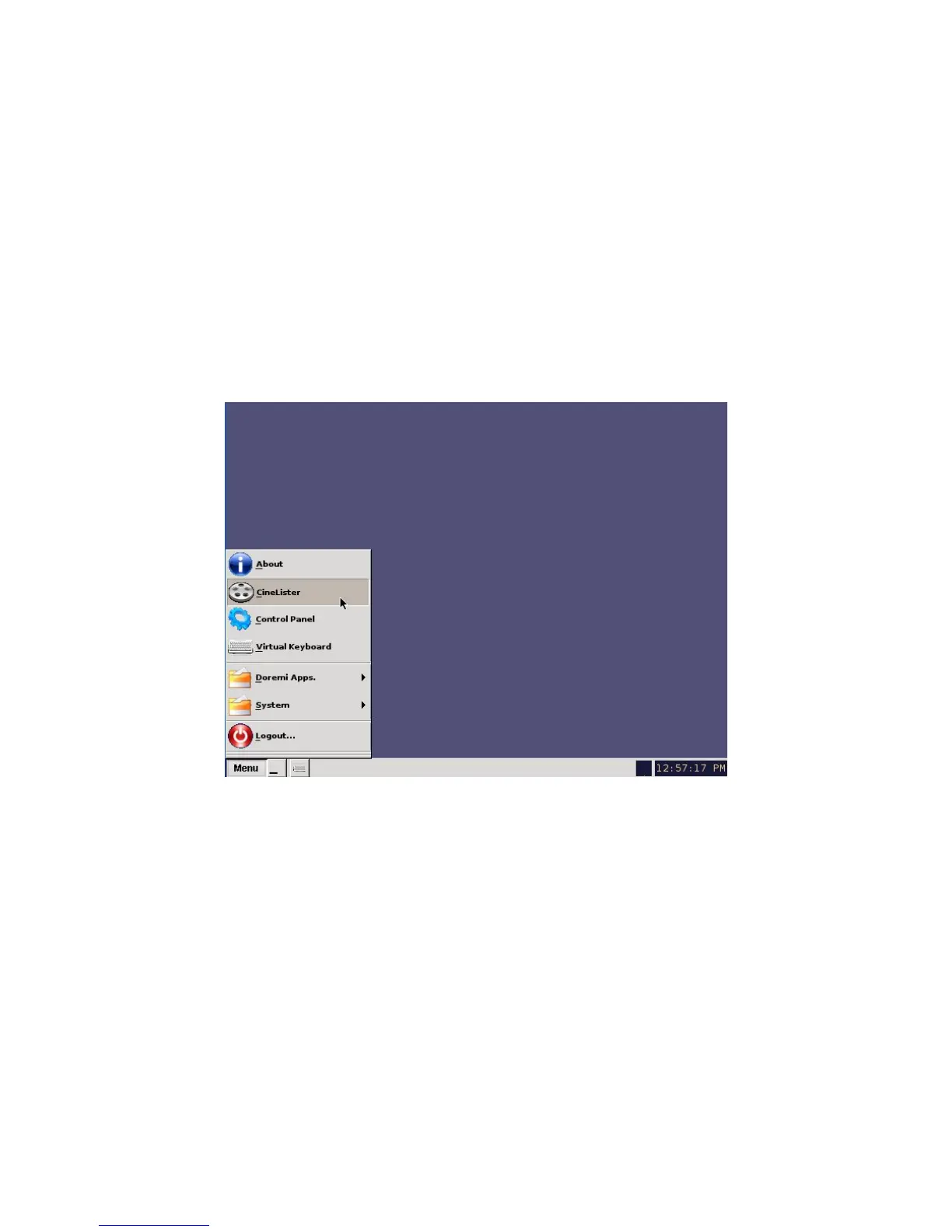
• To Access the CineLister GUI, click the Menu button or “Right Click” on the server desktop
(Figure 142).
• Scroll and click on the CineLister option.
• You will be prompted to CineLister's Editor tab. The Editor tab is the default tab that
CineLister displays every time the application is opened ( Figure 143).
Figure 142: Menu Example
______________________________________________________________________________________
D2K.OM.001822.DRM Page 113 of 177 Version 1.5
Doremi Labs



 To Next Page