12.2 Deleting a Show Playlist
• Open the desired SPL.
• Once the SPL is opened, delete it by clicking on the Cleanup button.
• A password will be needed to complete this operation.
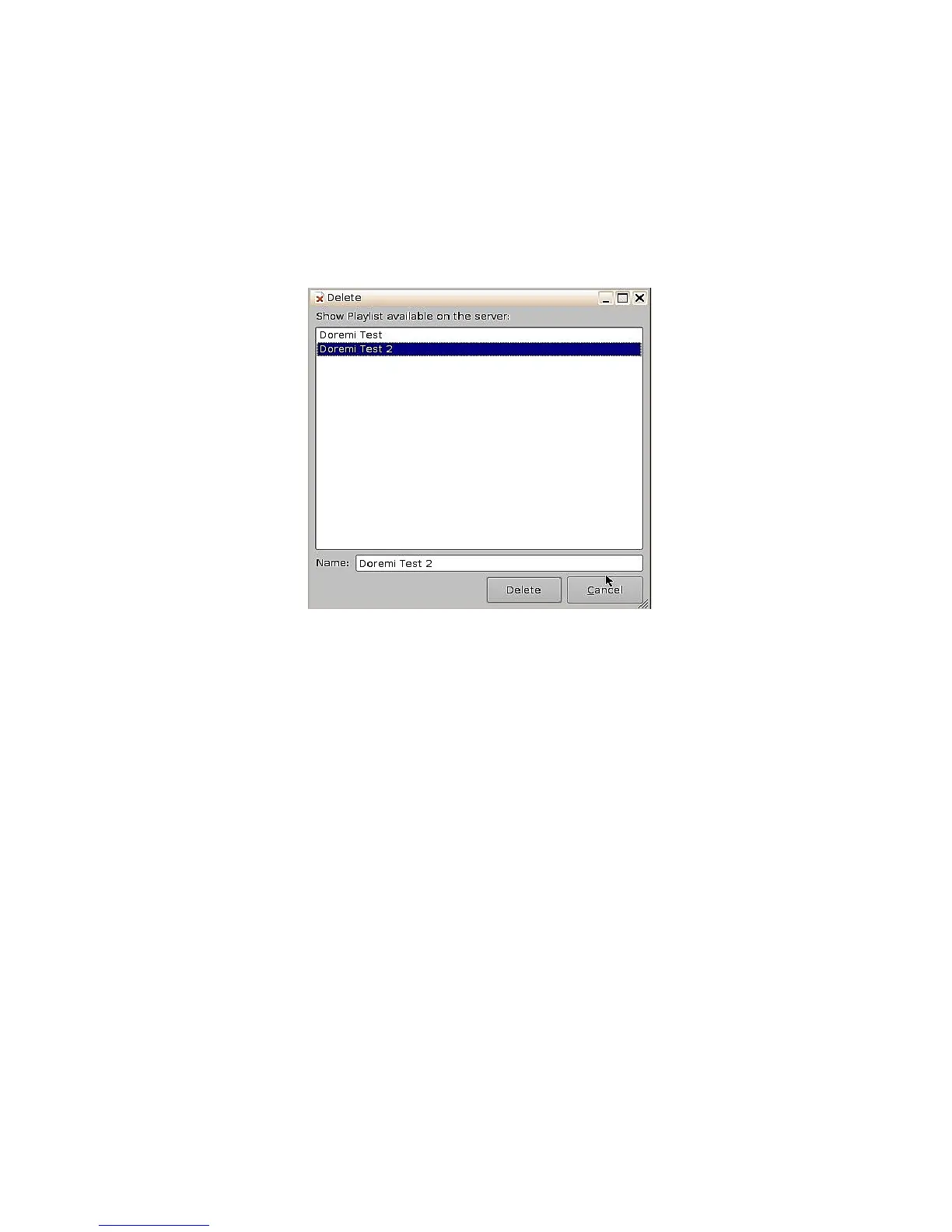
• The Delete window will appear ( Figure 163).
• Select the SPL to delete and click Delete.
Figure 163: Delete SPL Window
______________________________________________________________________________________
D2K.OM.001822.DRM Page 130 of 177 Version 1.5
Doremi Labs



 To Next Page