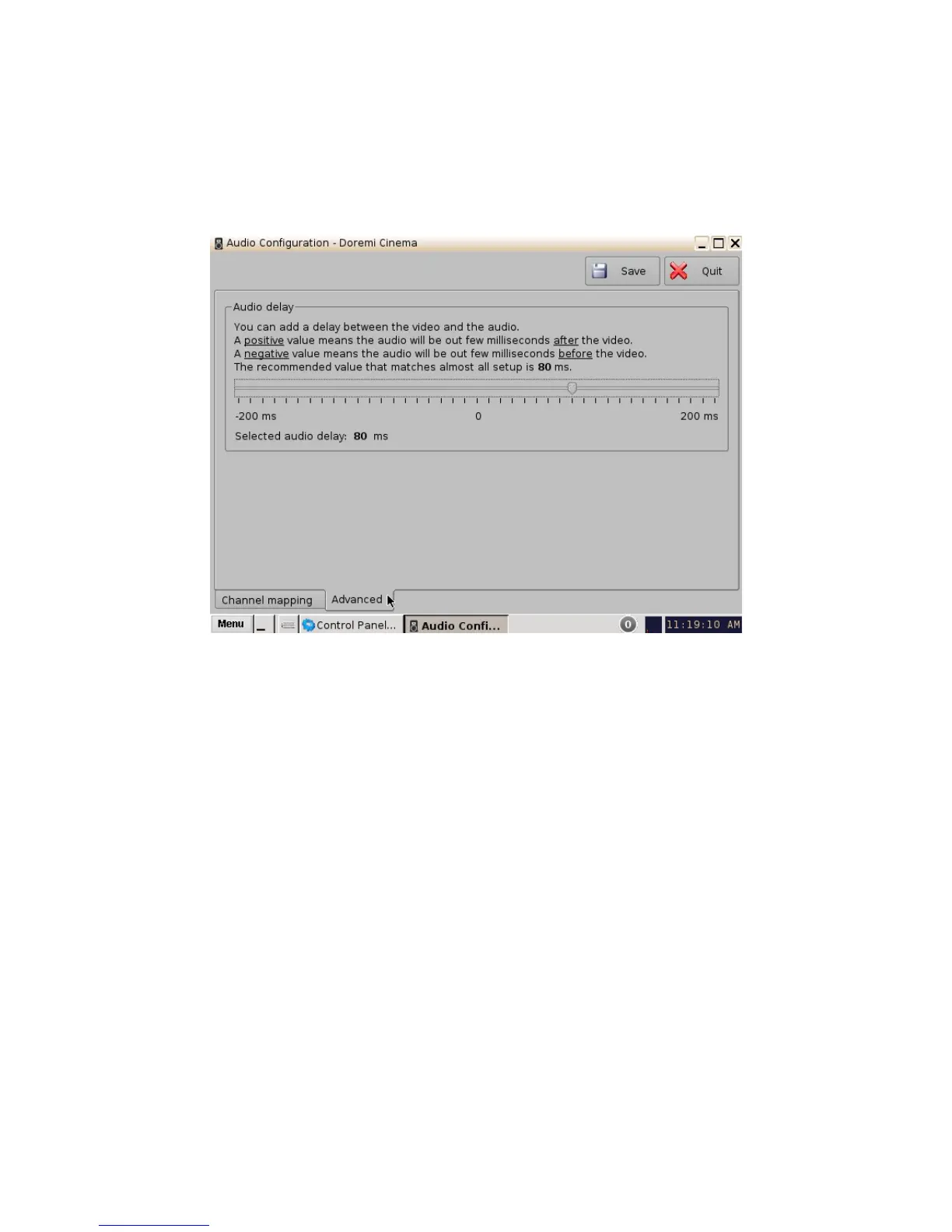
6.2.2 Advanced Tab
This tab allows the user to add a delay between audio and video by dragging the cursor to the
desired delay. On the graphical cursor that allows values between -200 milliseconds and 200
milliseconds. All audio tracks will get the same delay. You cannot add separate delays for each
track. After the delay has been configured, click on the Save button to save the audio delay. The
selected audio delay is shown in numeric characters below the cursor field.
Figure 33: Advanced Tab
• Positive Value: The audio will be heard behind the video action.
• Negative Value: Indicates that the audio is ahead of the video action.
• The recommended value that almost matches all setups is 80 milliseconds.
______________________________________________________________________________________
D2K.OM.001822.DRM Page 33 of 177 Version 1.5
Doremi Labs



 To Next Page