5 Time Zone Configuration
Units are by default set to Pacific Time Zone (PST or PDT). This section provides information on
how to check and/or change the time zone.
5.1 Checking the Time Zone
• To confirm that the time zone of the unit is set correctly, open a terminal window by going to
the “Menu → System → Terminal” menu.
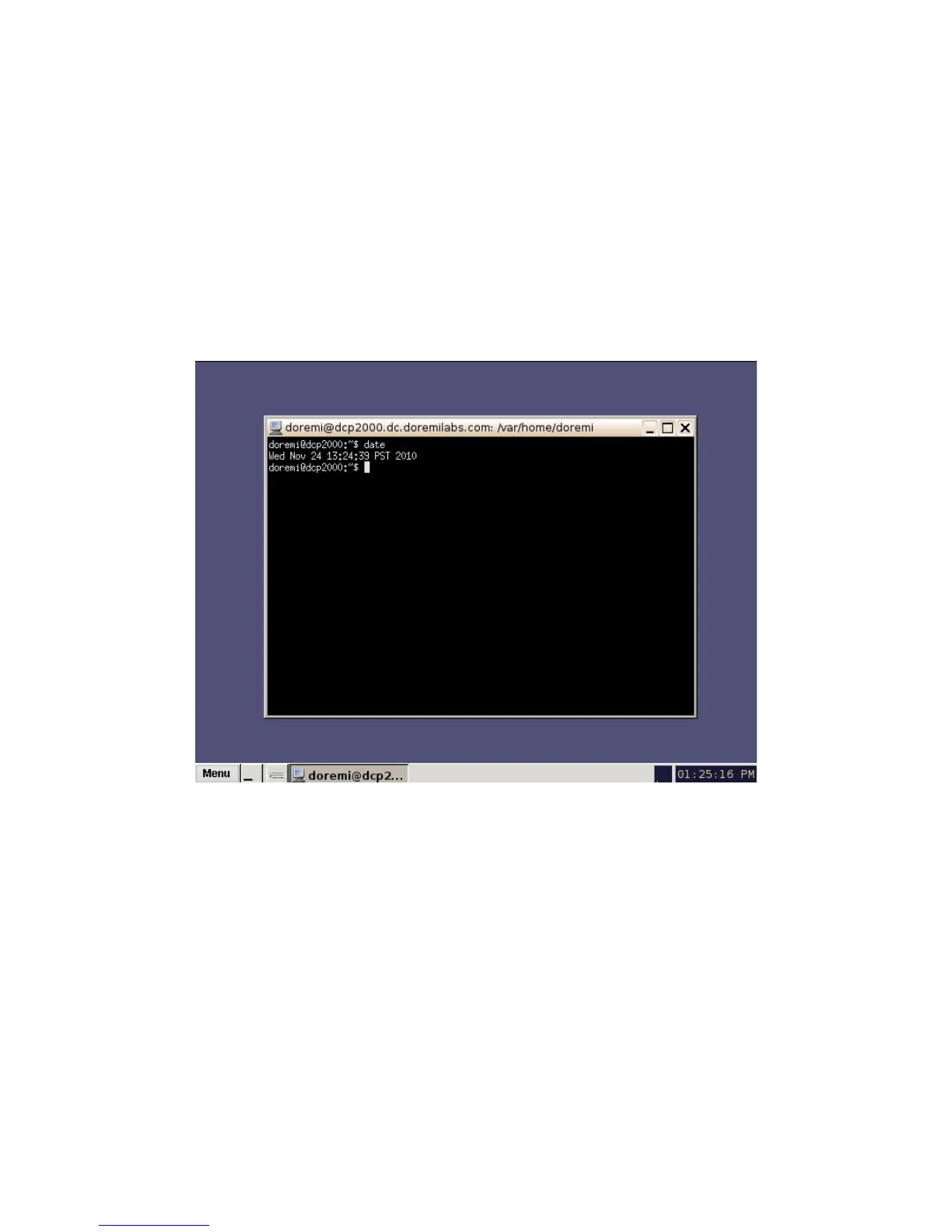
• Type: date and then press Enter.
• The current date, time, and time zone will be displayed (Figure 11).
Figure 11: Terminal Window with Date Displayed
______________________________________________________________________________________
D2K.OM.001822.DRM Page 15 of 177 Version 1.5
Doremi Labs



 To Next Page