6.4 Content Manager
The Content Manager application is a new graphical user interface (GUI), that allows the user to
browse, manage and export all the content available on the player including: ShowPlaylist, CPL,
KDM and Doremi License. The user has an application to access content information that was not
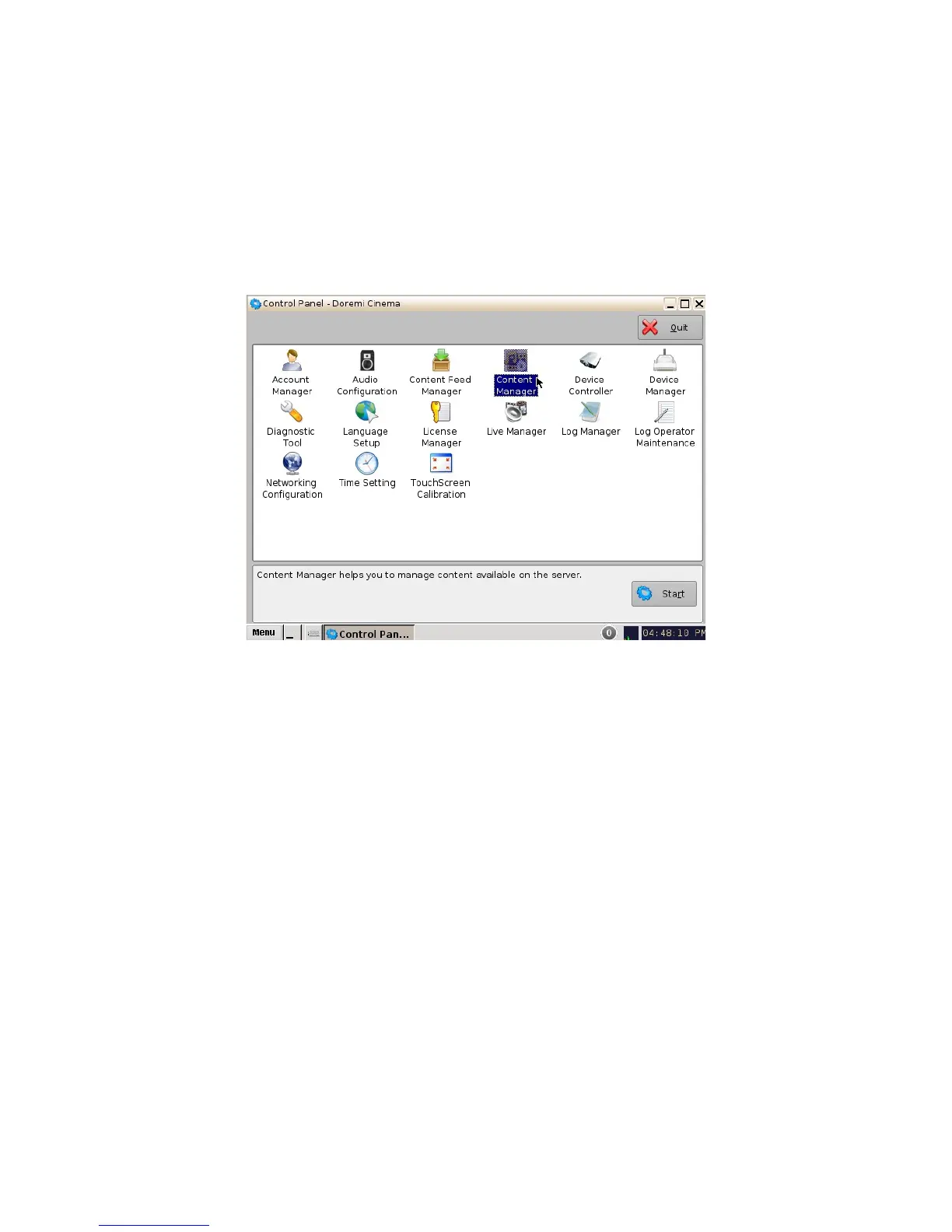
available previously. The Content Manager application is available in the Control Panel.
• To open the Content Manager application, go to Menu -> Control Panel and double-click
on the Content Manager icon (Figure 48).
Figure 48: Control Panel with Content Manager Icon Selected
• The following window will appear:
______________________________________________________________________________________
D2K.OM.001822.DRM Page 44 of 177 Version 1.5
Doremi Labs



 To Next Page