• Repeat the steps above as many times as necessary to generate another "Live CPL."
• To use the "Live CPL" allowing a live event, open CineLister (go to Menu → Doremi Apps.
→ CineLister).
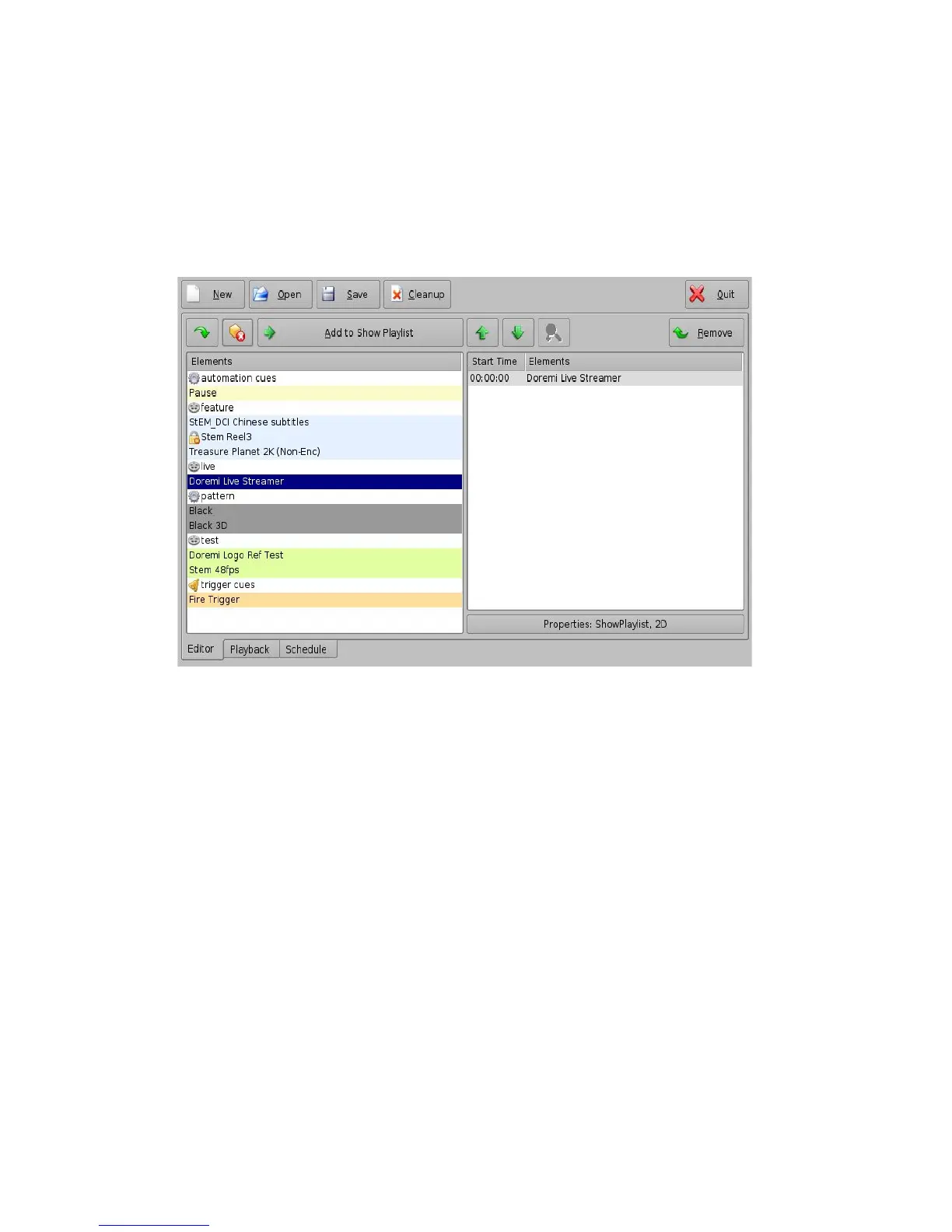
• The newly created "Live CPL" will be visible under “live” in the left part of the Editor tab
allowing the user to insert it in a Show Playlist like any standard CPL.
Figure 112: CineLister – “Live” CPL Inserted in a Show Playlist
6.10.2 Deleting a Live CPL
• To delete an existing “live CPL,” select it in the Live Manager window and click the Delete
button.
______________________________________________________________________________________
D2K.OM.001822.DRM Page 92 of 177 Version 1.5
Doremi Labs



 To Next Page