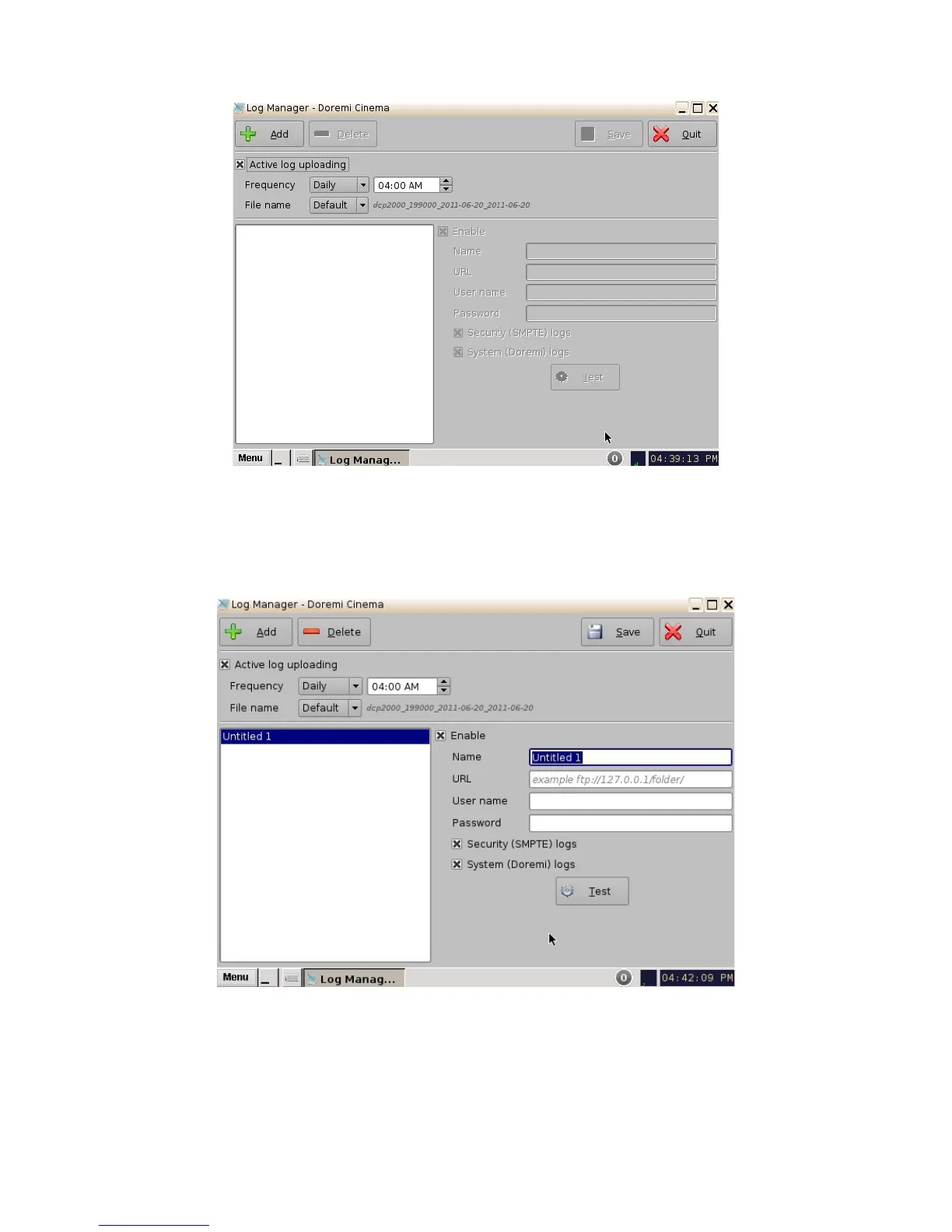
Figure 114: Log Manager Main Window
6.11.1 Log Manager Configuration
• Click the Add button to add a new server. The following window will appear:
Figure 115: Log Manager Main Window
• Check the Enable box to make sure that the server becomes active (logs will be sent to the
server).
• Select the Frequency of sending logs from options:
______________________________________________________________________________________
D2K.OM.001822.DRM Page 94 of 177 Version 1.5
Doremi Labs



 To Next Page