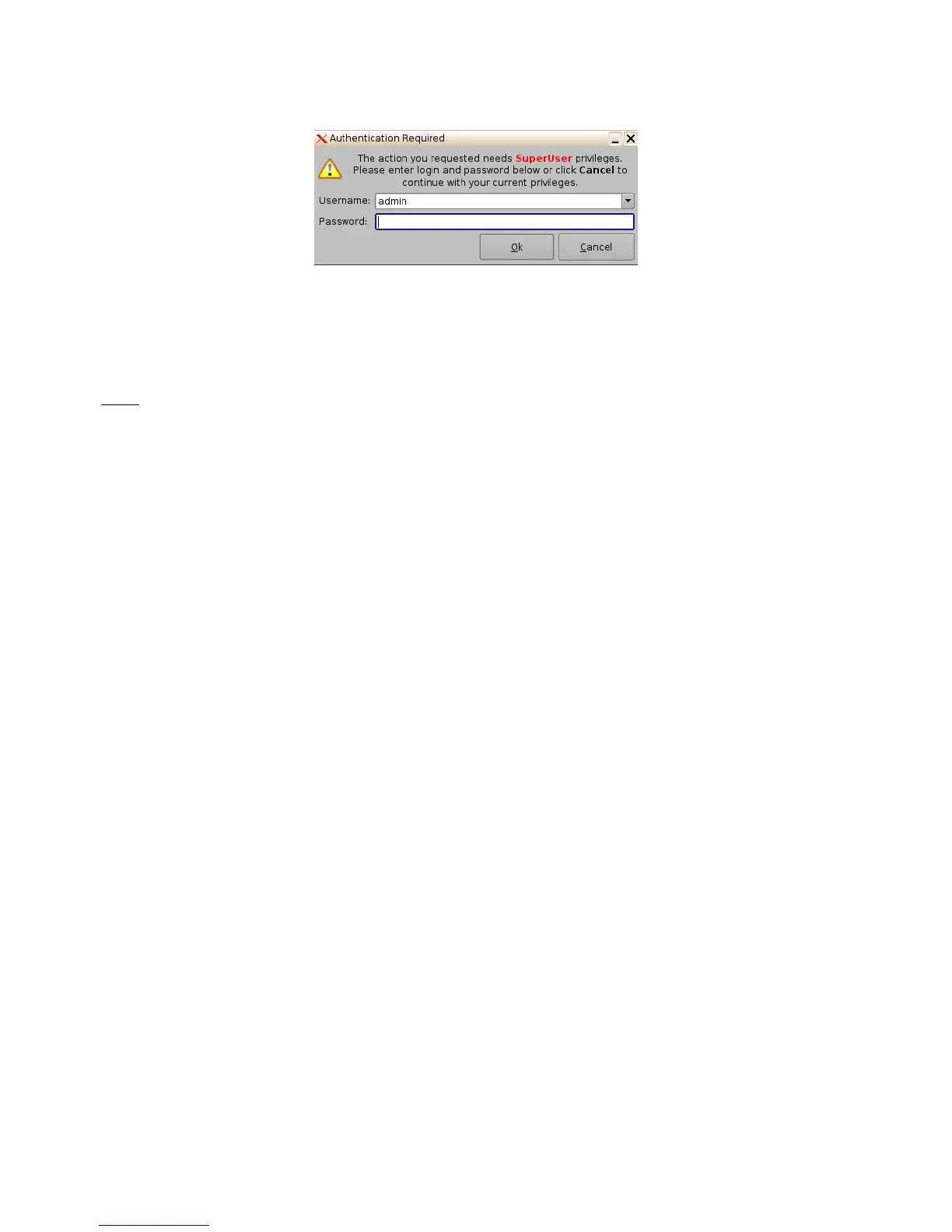
Figure 190: Password Confirmation Window
• Enter the appropriate password and click the Ok button.
• The Trigger Cues will now be available within CineLister, so that the user can include them
in a Show Playlist.
Note: The saving operation will not only save the Trigger Cues, but also the Macro Automation
Cues.
14.4 Pre-Defined Macro Usage
If the user has a pre-defined "macros.xml" file containing automation and trigger cue definitions,
then copy it into the "/doremi/etc/" folder and the corresponding macros will be visible in the Macro
Editor GUI. The user will then be able to update the cues, if needed, from the Macro Editor GUI.
14.5 Default Cues
The "default_cues.xml" file can be used to load an automation and trigger cues playlist prior to any
playback. This is to avoid having to add a “Fire Alarm” trigger cue to each show. If the user is
provided a "default_cues.xml" file, copy it into the /doremi/etc/ folder.
14.6 Startup Scripts
• Copy the script to be executed automatically at boot in the following folder:
/doremi/etc/rc.d/
______________________________________________________________________________________
D2K.OM.001822.DRM Page 148 of 177 Version 1.5
Doremi Labs



 To Next Page