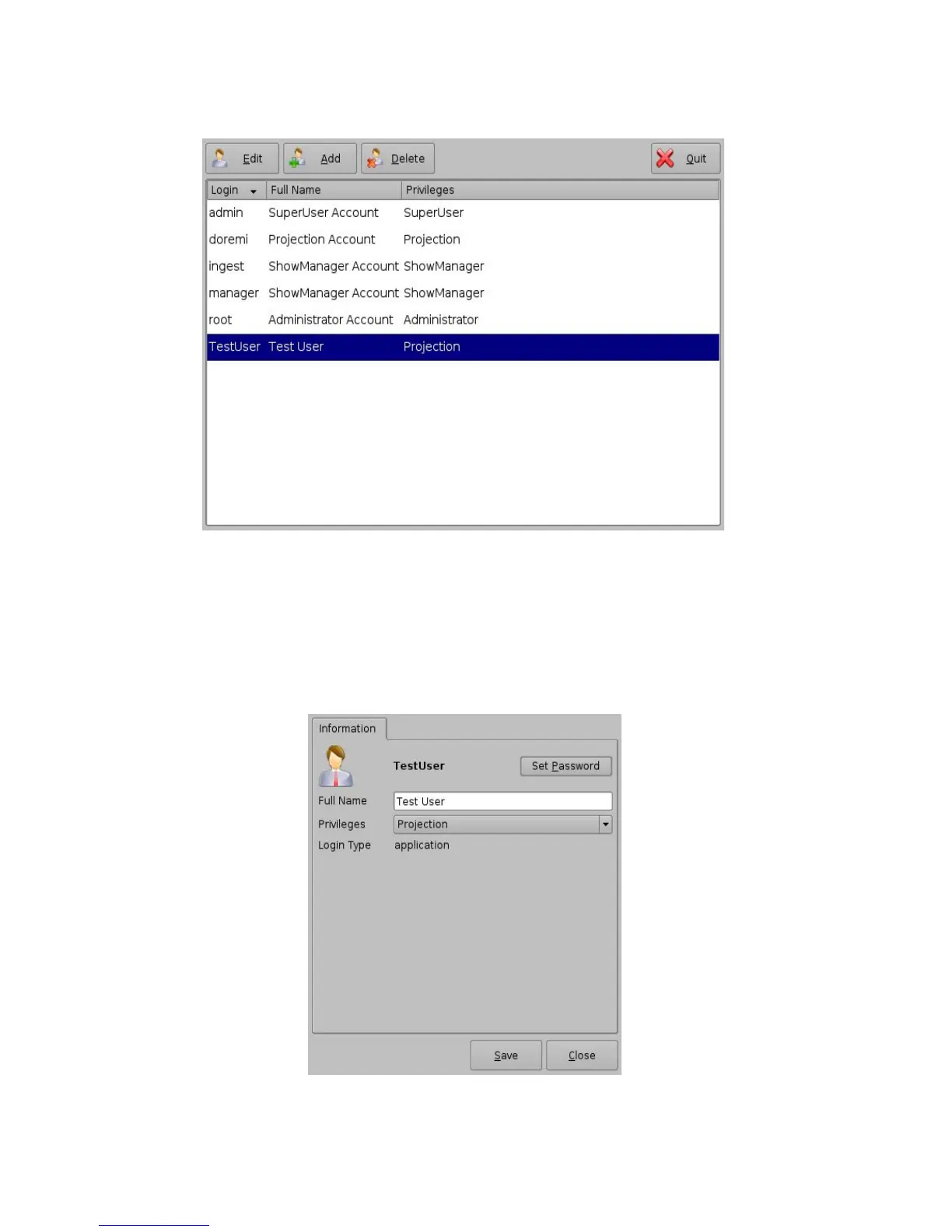
Figure 19: Account Manager GUI – New User Added
6.1.2 Edit an Existing User Account
• To edit an existing user account, select it within the Account Manager GUI and click the Edit
button.
• The following dialog box will appear allowing the user to edit the user properties but not the
username or the log in type.
Figure 20: Account Manager GUI – User Properties Editing
______________________________________________________________________________________
D2K.OM.001822.DRM Page 21 of 177 Version 1.5
Doremi Labs



 To Next Page