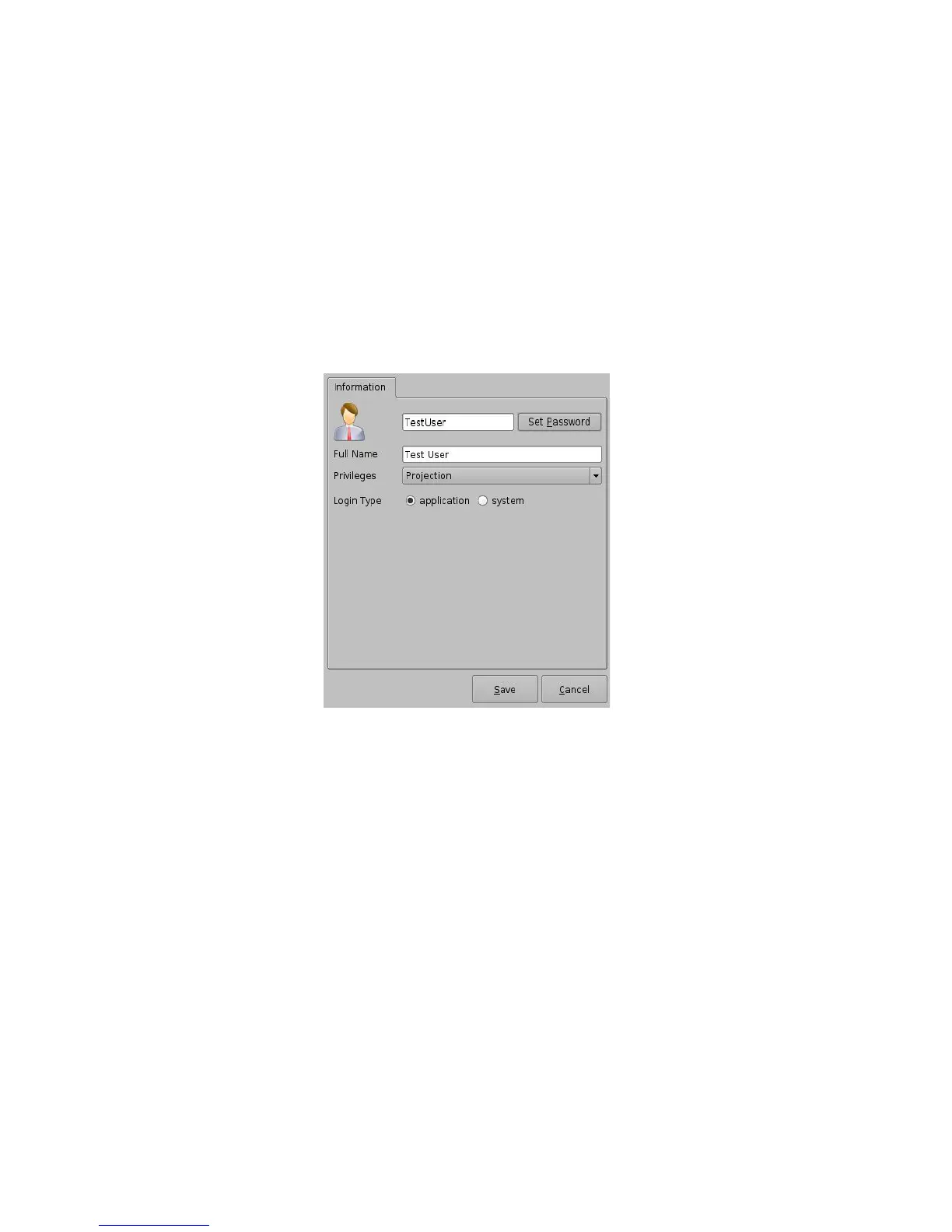
• Select the proper privileges. They are listed below from the lowest level to the highest level
of privileges:
1) Projectionist: Projectionist is a standard user allowed to use the Doremi applications
present on the unit without changing the configuration.
2) Show Manager: In addition to Projectionist's privileges, a Show Manager user is allowed to
ingest and delete content.
3) SuperUser: In addition to Show Manager's right, a SuperUser has the privileges to
configure the unit. For example, the SuperUser can update the firmware and software.
4) Administrator: An Administrator user will be a user in the group of “root.” The
Administrator can perform all of the privileges listed above in addition to creating, modifying,
and deleting user accounts.
Figure 18: Account Manager GUI – Privileges Definition
• Furthermore, two different log in types are available for the user:
1. Application: Virtual user account only works with Doremi applications.
2. System: Regular Linux user account that can be used anywhere on the system. For
example, on Linux terminal windows.
• Select the proper user account type and click the Save button.
• The new user account will be visible in the main Account Manager GUI as illustrated below:
______________________________________________________________________________________
D2K.OM.001822.DRM Page 20 of 177 Version 1.5
Doremi Labs



 To Next Page