6.2.1.3 Custom Mapping Configuration
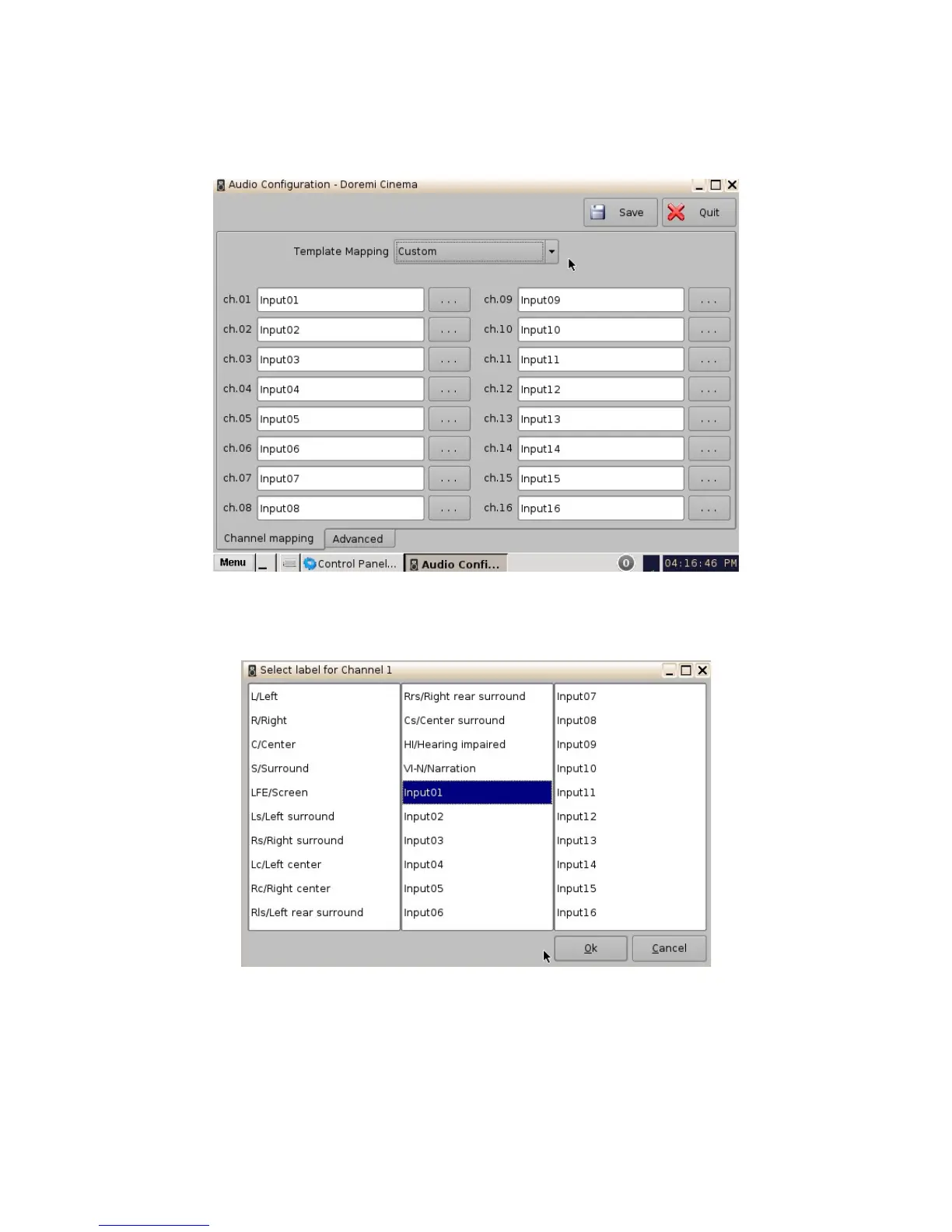
• Click on the drop-down menu and select Custom.
• The following window will appear.
Figure 31: Custom Mapping
• Click on the Browse button ("...") for each output channel (ch.01-ch.16) to select the CPL's
audio channel (using its label) that is to be routed.
Figure 32: Custom Mapping Parameters
______________________________________________________________________________________
D2K.OM.001822.DRM Page 32 of 177 Version 1.5
Doremi Labs



 To Next Page