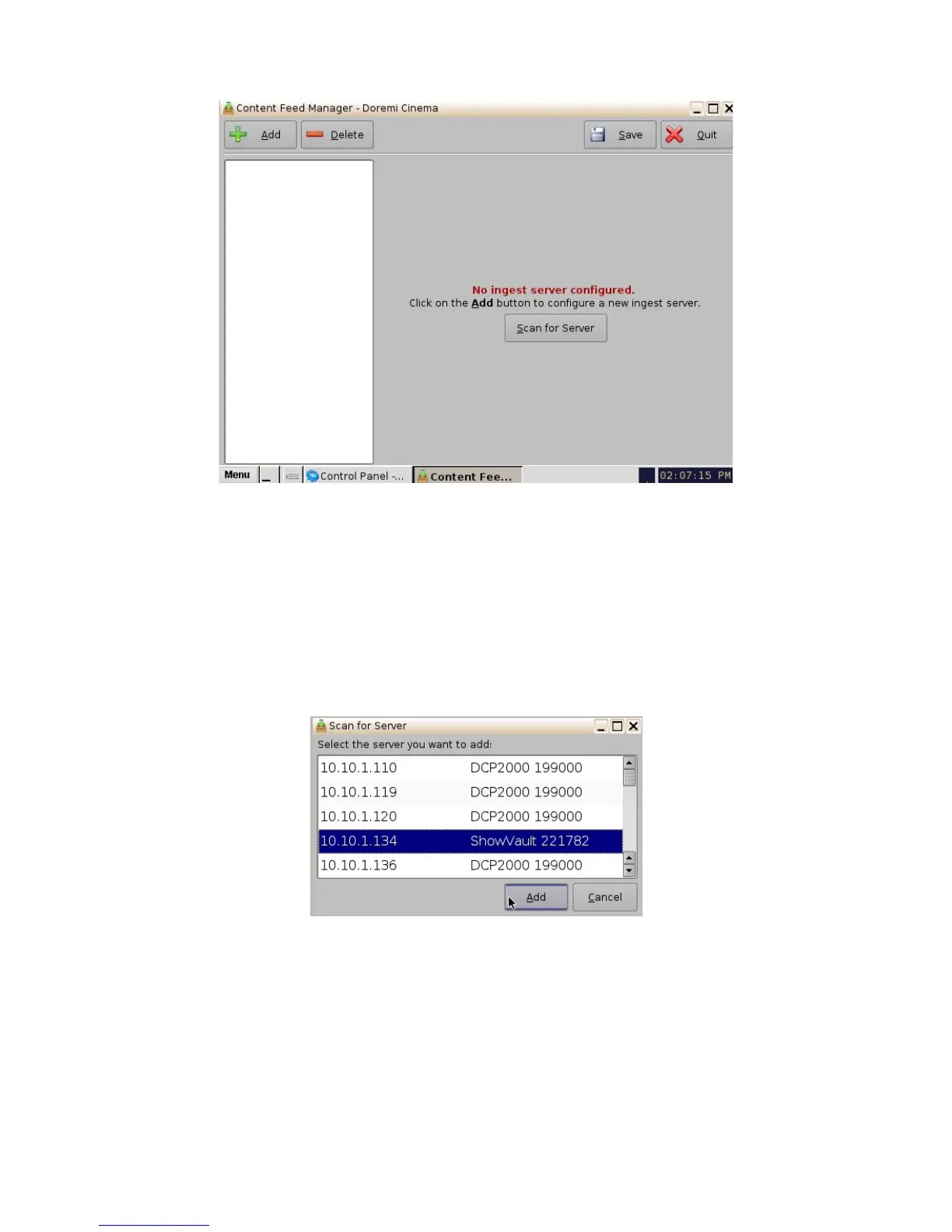
Figure 37: Content Feed Manager GUI
6.3.2 Scan for Server
• Click the "Scan for Server" button to check and see if any servers are present on the
network. The following window will appear displaying the unit type, e-S/N, and IP as well
(Figure 38):
• Qualifications for a server include: all DCP, ShowVaults, and TMS units that have an IP
address and are connected within the same networks with the concerned unit (destination).
The units can be used as sources for material.
Figure 38: Scan for Server Button
• Scroll and select the server, then click the Add button (Figure 38). Once the server has
been selected the Content Feed Manager GUI will automatically be updated with the default
credentials.
______________________________________________________________________________________
D2K.OM.001822.DRM Page 36 of 177 Version 1.5
Doremi Labs



 To Next Page