13.5.3 Action List Management
13.5.3.1 Action Re-Ordering
The two arrows allow the user to change the order of the actions in the Macro Automation Cue
(Figure 179). Using the arrows, each action can be moved to the top or to the bottom of the “Macro
Actions” window.
• In order to move an action toward the top of the list, select it and click on the arrow pointing
to the top.
• If an action needs to be moved toward the bottom of the list, select it and click on the arrow
pointing to the bottom.
• Repeat the two steps above until the required actions order is obtained.
13.5.3.2 Action Edition
The user can edit an action of any given Macro Automation Cue by selecting it. The user can also
click on the Edit Action button illustrated in Figure 179. The user will be able to edit the properties
and set the action when added to the Macro Automation Cue.
13.5.3.3 Action Removal
• To remove an action from the list of actions associated to a Macro Automation Cue, select
the action in the “Macro Actions” window and click the Remove button (Figure 179).
13.5.4 Macro Saving
• Repeat the Macro creation operations for all the Macro Automation Cues and click the Save
button.
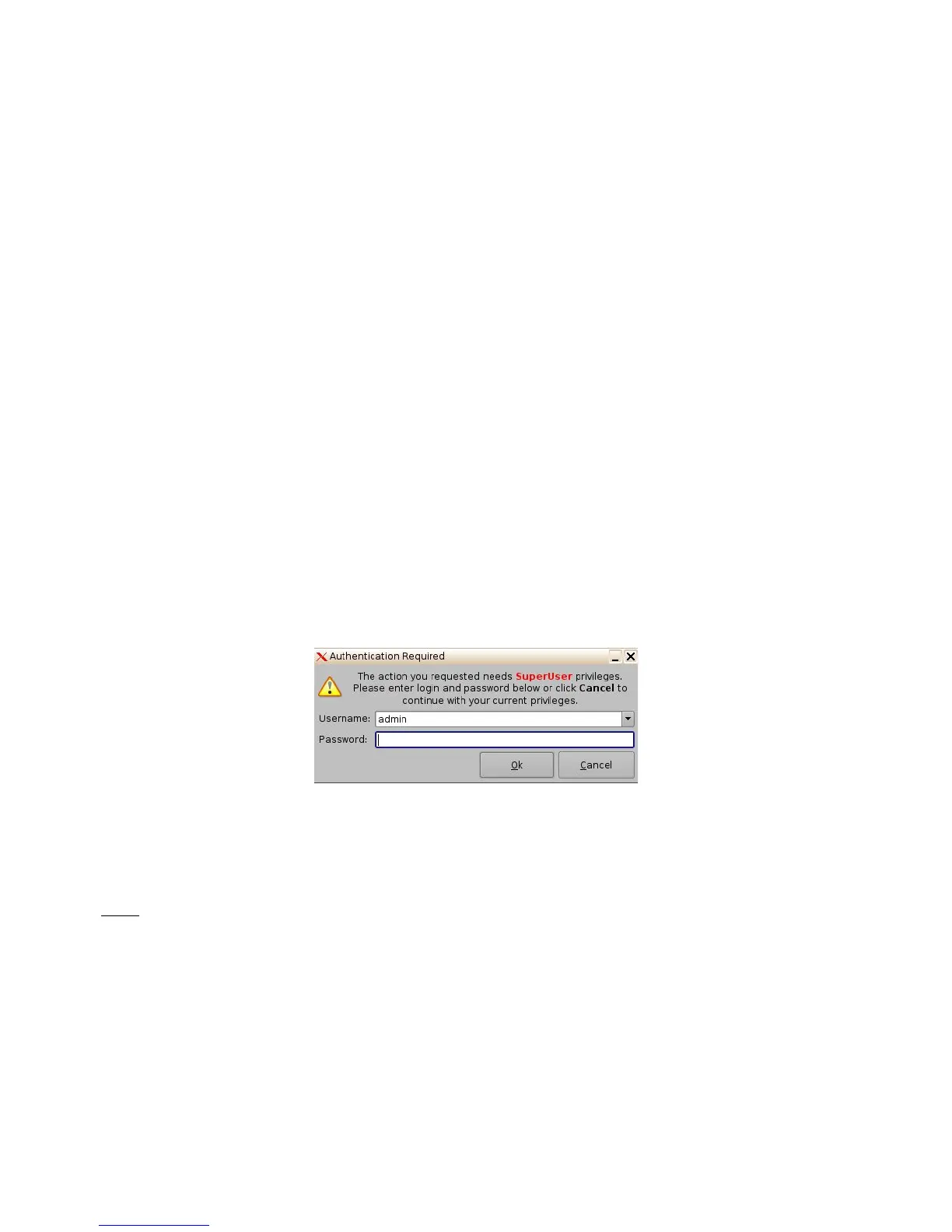
• The user will be asked for a password to be able to perform the operation (Figure 180).
Figure 180: Password Confirmation Window
• Enter the appropriate password and click the Ok button.
• The Macro Automation Cues will be available in CineLister in order to create a Show
Playlist.
Note: The saving operation will not only save the Macro Automation Cues, but also the Trigger
Cues that were created.
______________________________________________________________________________________
D2K.OM.001822.DRM Page 142 of 177 Version 1.5
Doremi Labs



 To Next Page