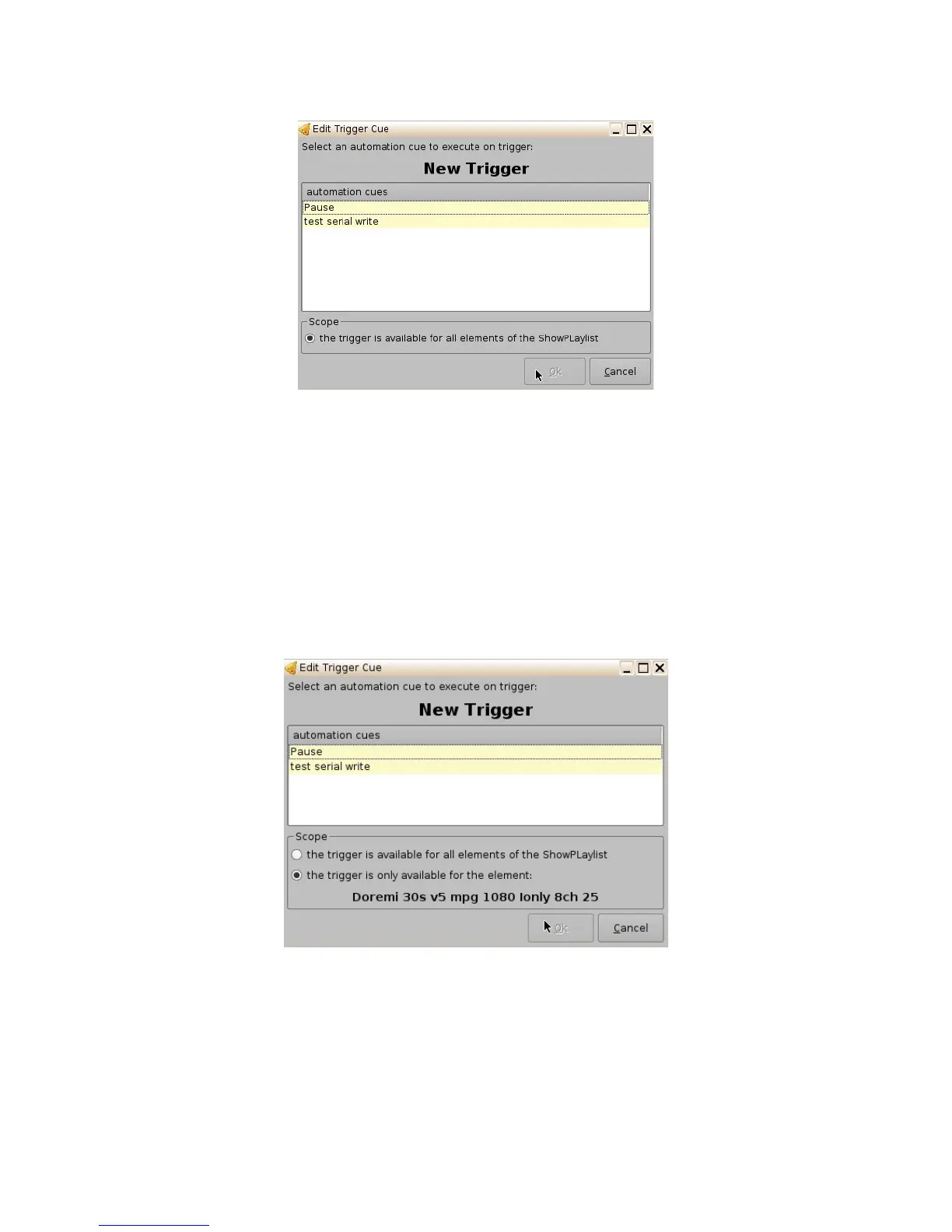
Figure 192: Edit Trigger Cue Window
15.1 Add a Trigger Cue for One Element of the Show Playlist
• Go to the CineLister GUI Editor tab. From the right pane of the GUI, select the element you
wish the Trigger Cue to be added to. Then, from the left pane of the GUI, select the Trigger
Cue.
• Click “the Add to Show Playlist” button.
• You will be prompted to a window asking you to “select an automation cue to execute on
trigger:"
• Select the automation cue from the list and then click Ok. If you do not click Ok, you will not
have added the trigger cue to the element.
Figure 193: Edit Trigger Cue Window
______________________________________________________________________________________
D2K.OM.001822.DRM Page 150 of 177 Version 1.5
Doremi Labs



 To Next Page