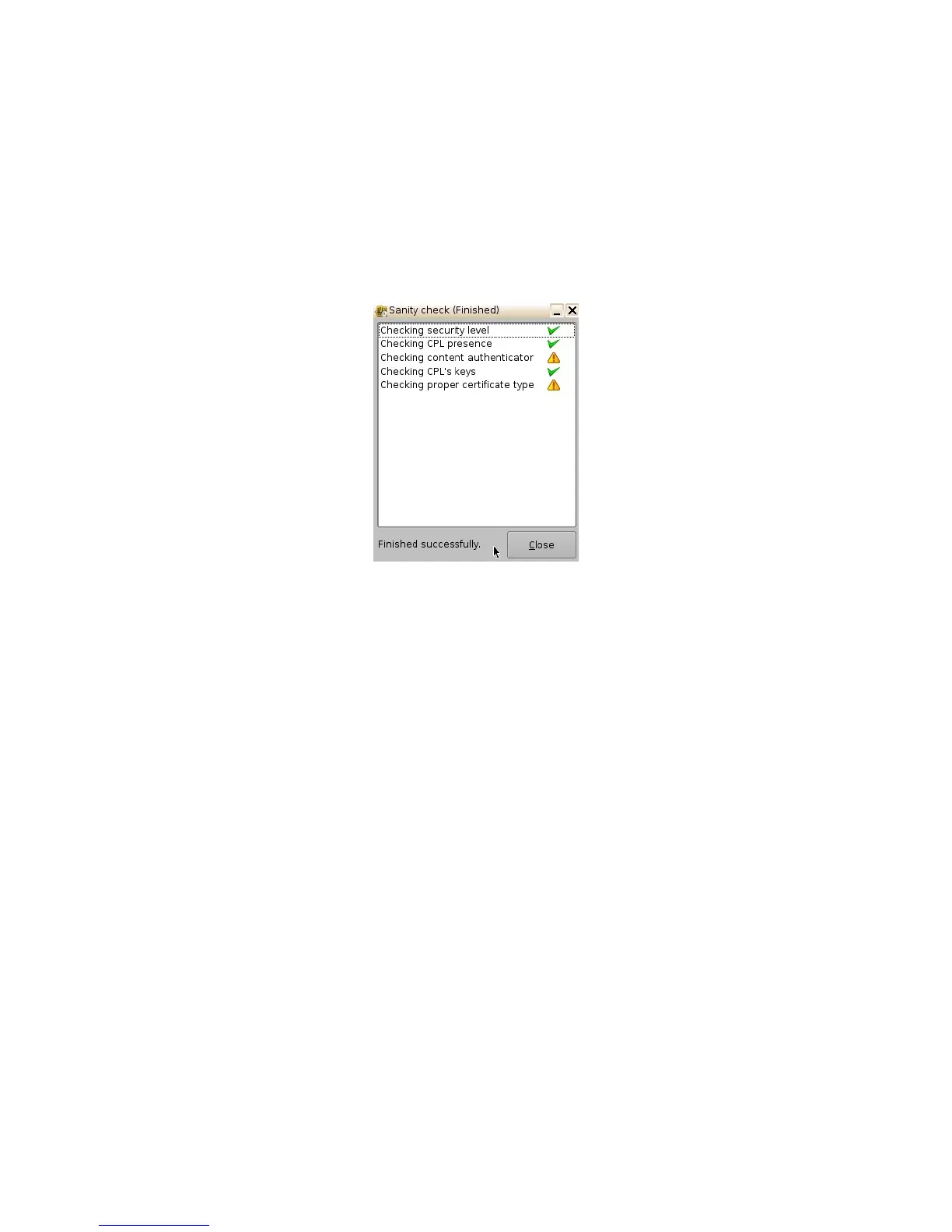
6.4.5 Performing a KDM Sanity Check
• Select a KDM from the KDM list and click the "Actions" button and select the Sanity Check
menu item.
• The Sanity Check window will appear displaying the results of the Sanity Check
(Figure 74).
• The results of the Sanity Check are displayed in the bottom-left corner of the Sanity Check
window (Figure 74).
Figure 74: Decryption Keys Tab
• Once the Sanity Check is completed, click the Close button (Figure 74).
• To view the properties of any KDM, select it from the list and the information will be
displayed in the bottom half of the window (Figure 75).
______________________________________________________________________________________
D2K.OM.001822.DRM Page 64 of 177 Version 1.5
Doremi Labs



 To Next Page