13. Network Configuration: Set up and modify network connections.
14. Time Setting: Due to DCI requirements, users can only set the time to no more than 30
minutes per calendar year on a Dolphin DCI FIPS 1.0 board. For Dolphin DCI FIPS 1.2
boards, you can only adjust the RTC (Real Time Clock) time within DCI allowed-time of 6
minutes per calendar year.
15. Touch Screen Calibration: Initiates the touch screen calibration process (only applicable to
models with a touchscreen).
6.1 Account Manager GUI
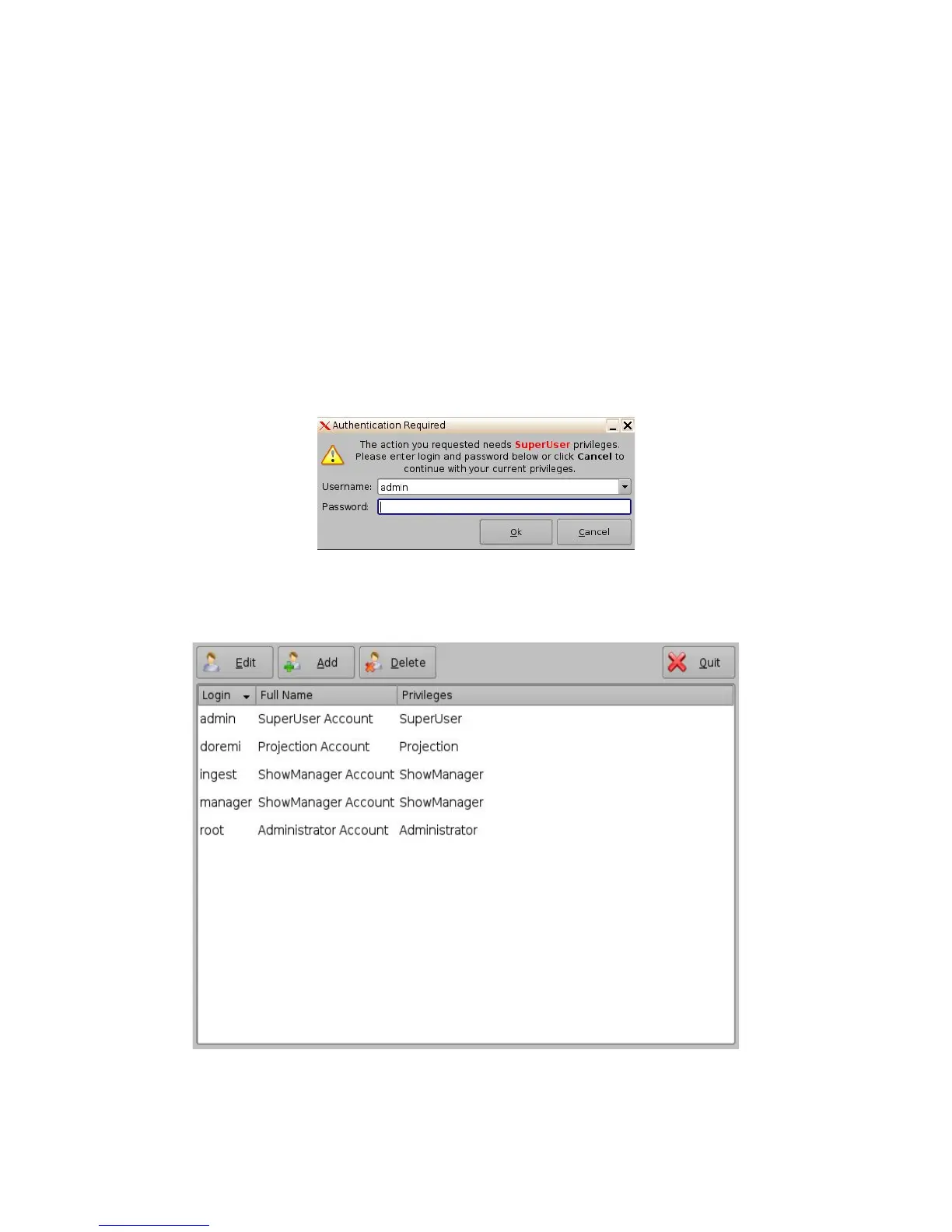
• To access the Account Manager GUI, double-click on the Account Manager icon within the
Control Panel window or select it and click the Start” button located on the right-bottom side
of the Control Panel window.
• Input the appropriate password to continue and press the Ok button.
Figure 14: Password Confirmation Window
• The following window will appear:
Figure 15: Account Manager GUI
______________________________________________________________________________________
D2K.OM.001822.DRM Page 18 of 177 Version 1.5
Doremi Labs



 To Next Page