6.11 Log Manager
The Log Manager application is a graphical user interface (GUI) that can be set up to automatically
upload SMPTE and System logs to designated FTP sites. The log can be generated at a specific
time (on a daily basis) and stored/uploaded locally or into a remote FTP server. The Log Manager
application is available in the Control Panel.
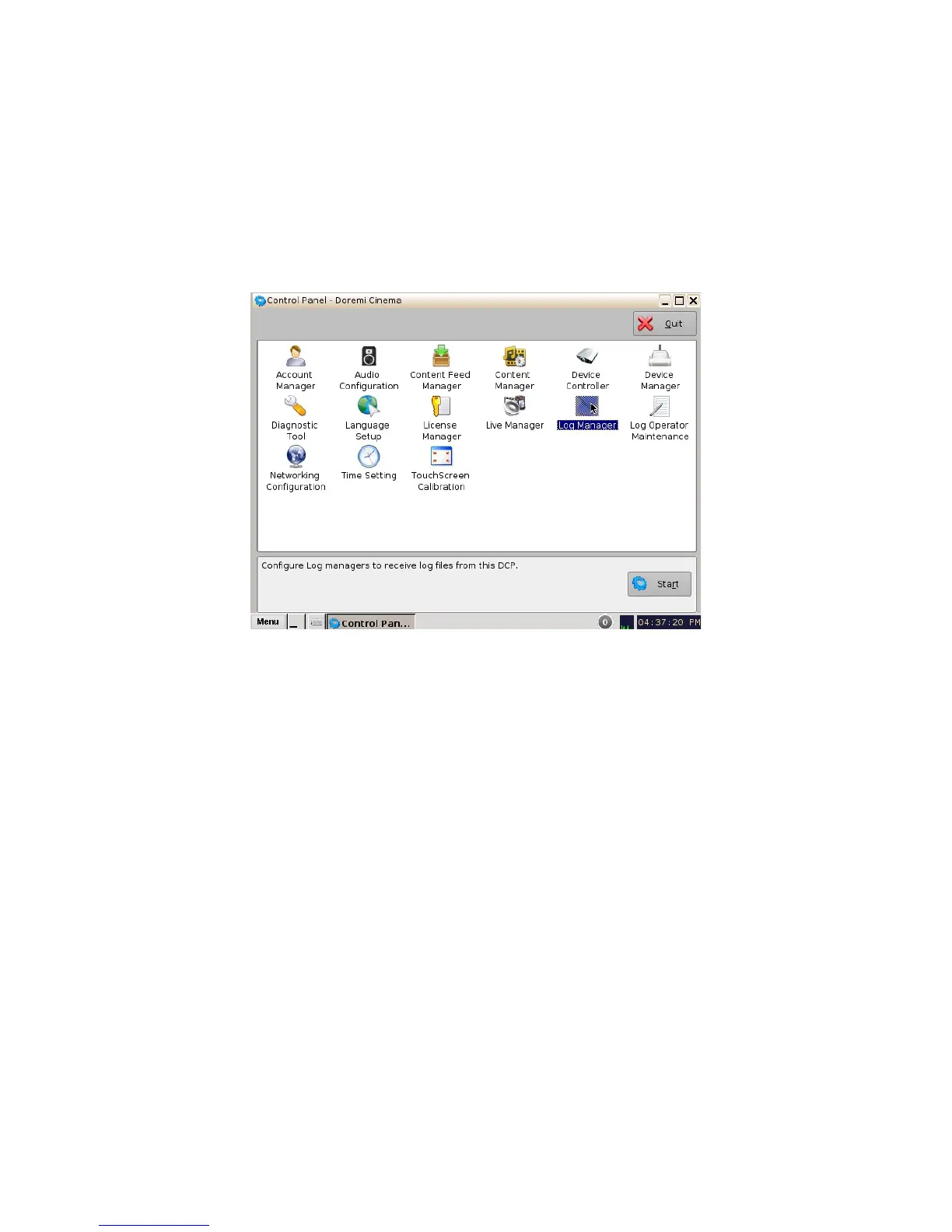
• To open the Log Manager application, go to Menu -> Control Panel and double-click on the
Log Manager icon (Figure 113).
Figure 113: Control Panel
• The following window will appear:
______________________________________________________________________________________
D2K.OM.001822.DRM Page 93 of 177 Version 1.5
Doremi Labs



 To Next Page