7.4 Ingesting Content from a Remote Doremi Server/LMS
7.4.1 File Transfer Protocol (FTP)
You must use a File Transfer Protocol (FTP) connection to ingest an item from a central server or a
cinema server over a network.
7.4.1.1 Ingesting Content From a Doremi Remote Server/LMS
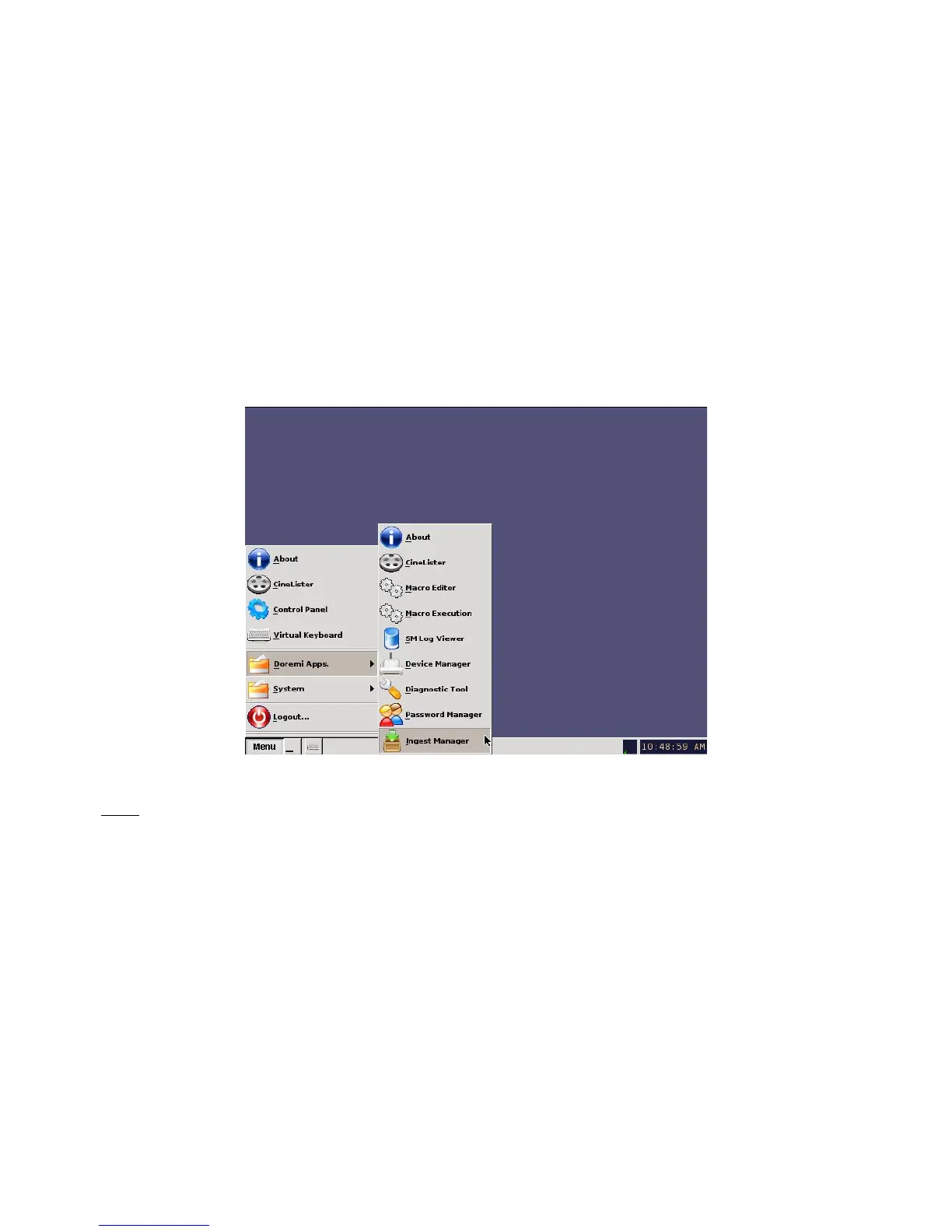
• Go to Menu and select Doremi Apps., then click on Ingest Manager.
• Click on the drop-down menu from the Local Storage button ( Figure 139).
• Select the device from which you want to ingest. Its content will be displayed inside the
GUI.
• Select the item to ingest and click the Ingest button.
Figure 138: Menu Example
Note: To access the content from a Doremi Remote Server or LMS, use the “Local Storage” drop-
down menu ( Figure 139).
______________________________________________________________________________________
D2K.OM.001822.DRM Page 109 of 177 Version 1.5
Doremi Labs



 To Next Page