3 - 24
FORE Systems ES-2810 Ethernet Switch User's Manual
Standard Configuration
3.15.3 Why Change These From Their Defaults?
The switch is delivered with Spanning Tree default values set to those recommended by the
IEEE 802.1d standard. These values are conservative worst-case estimates for LANs consisting
of a large number of switches. Therefore, changing these default values may improve the per-
formance of your network.
3.15.4 Changing the Spanning Tree Priority
The higher the value, the lower the chance of the switch being used as the root bridge. To
change the priority value:
1. Select Device Setup or Stack Setup.
2. Click Spanning Tree.
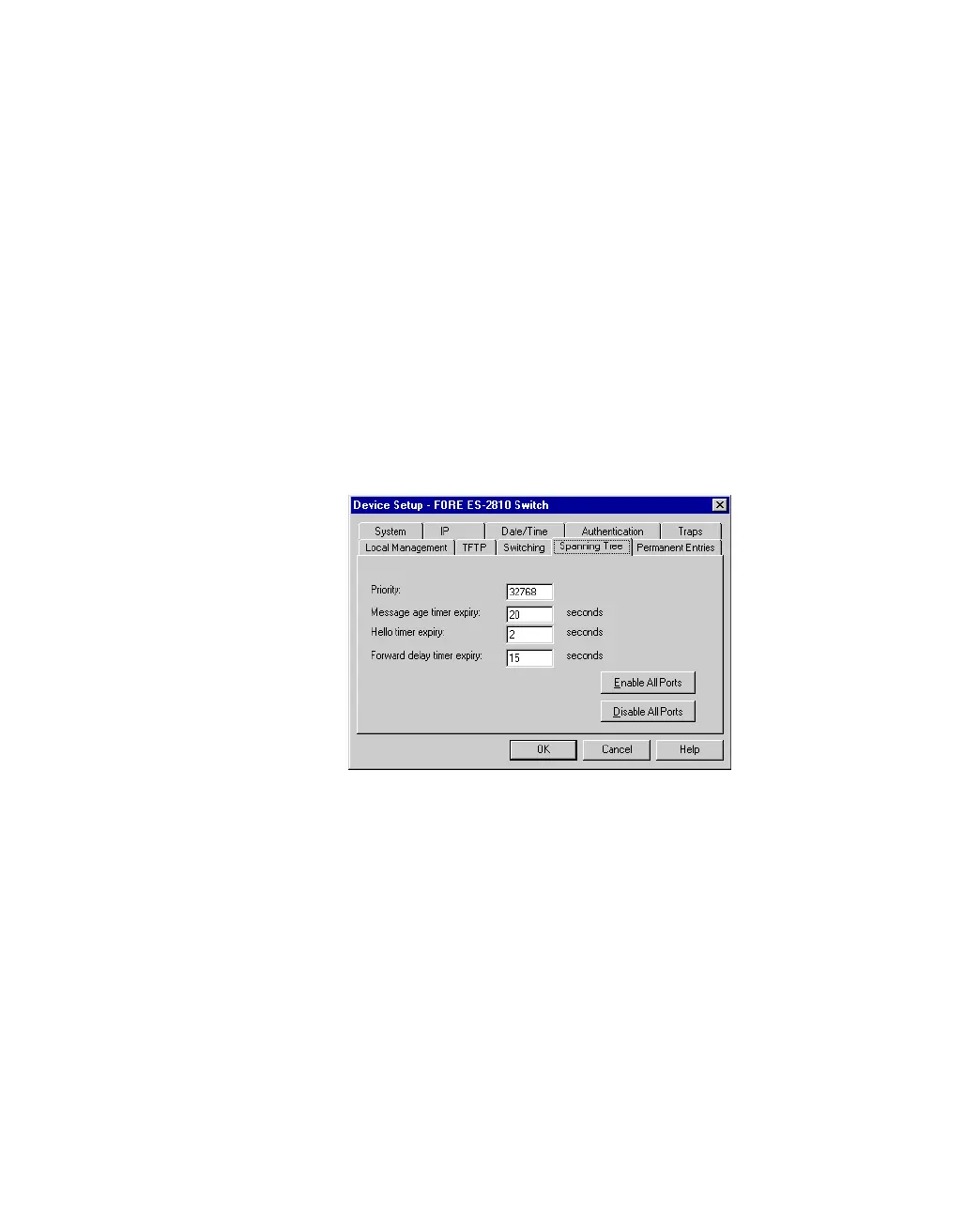
Figure 3.13 -
Spanning Tree Tab of Stack Setup Dialog Box
3. Click Priority.
4. Type the required value.
5. Click OK.



 To Next Page