FORE Systems ES-2810 Ethernet Switch User's Manual
5 - 31
Managing the Switch
Managing the Switch
5.10 The Ping Tool
5.10.1 Pinging a Device
Use the Ping tool to ensure a device is attached to the network. If the device is on a remote net-
work, you may need to adjust the timeout in order to receive the response.
1. Select Tools>Ping.
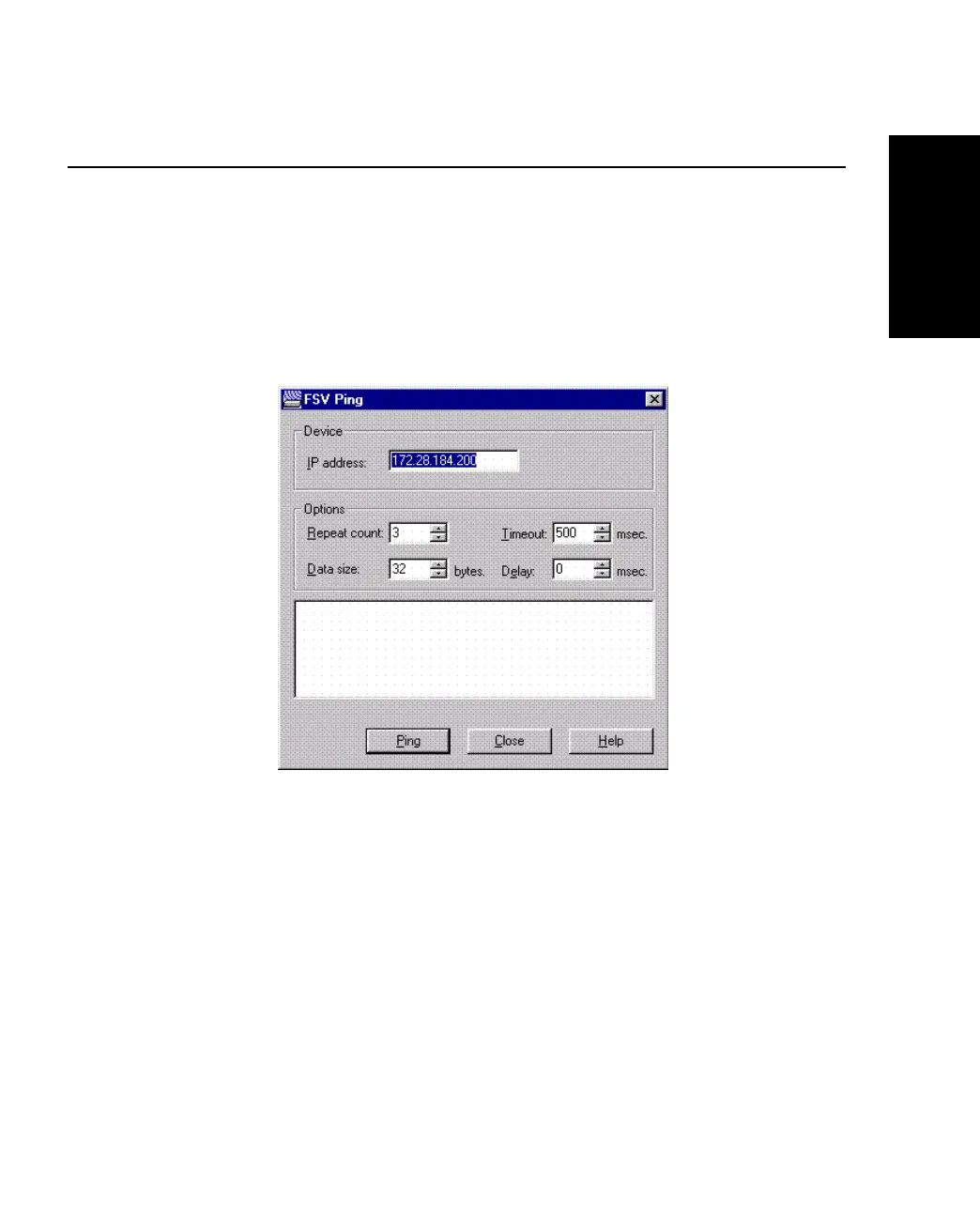
Figure 5.21 -
Ping Tool Dialog Box
2. Double-click IP Address, and type the correct IP address for the device you want
to ping.
3. Change the settings in the fields if required, and click Ping.



 To Next Page