3 - 30
FORE Systems ES-2810 Ethernet Switch User's Manual
Standard Configuration
3.18 Port Mode
3.18.1 Disabling the Port
If you disable the port, the devices attached to it cannot use the switch. The MAC address of
those devices are removed from the switch’s address table. If those addresses are defined as
permanent entries, they are not purged but are unable to use the switch. To disable the port:
1. Click the port you want to disable.
2. Select Port Setup.
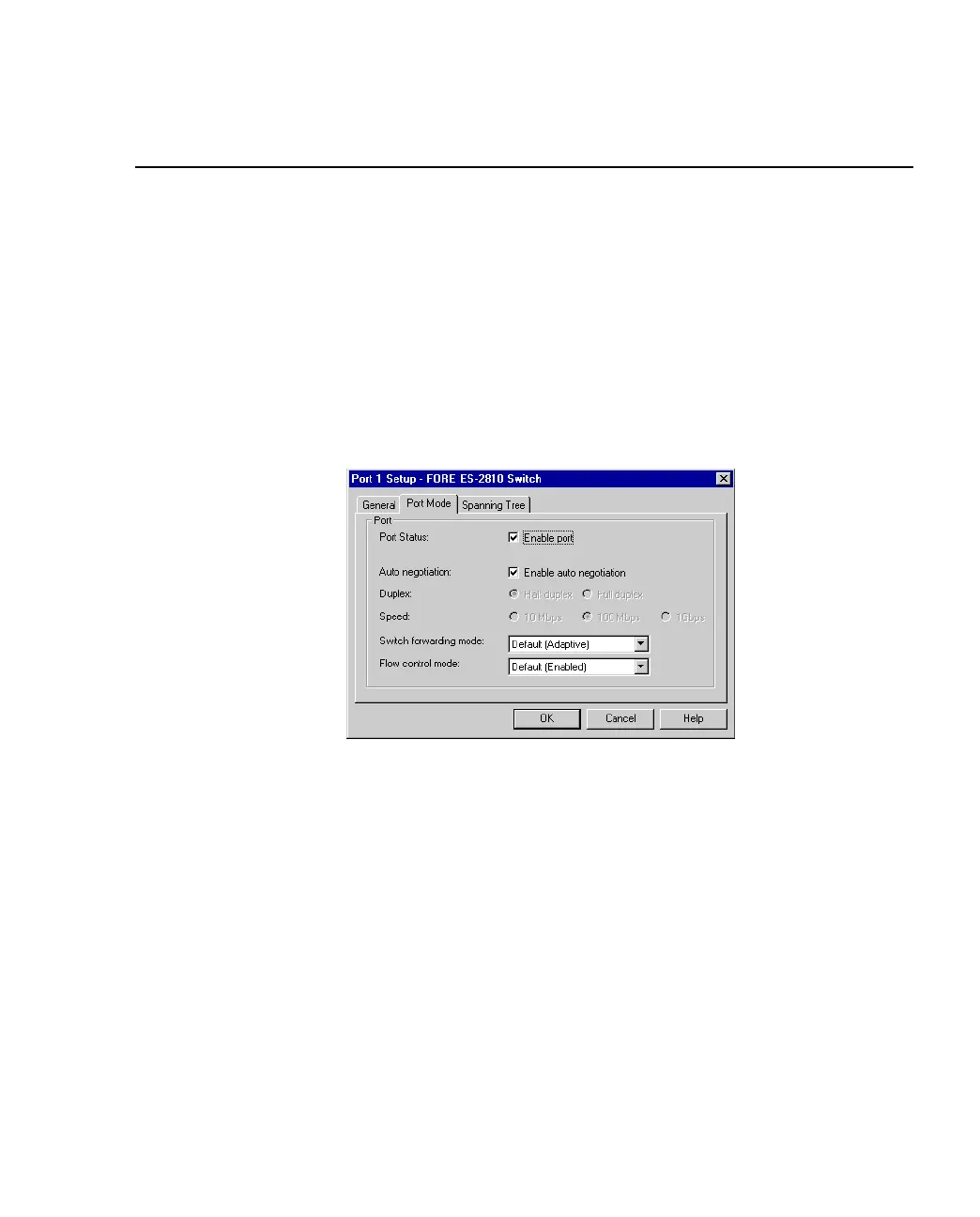
3. Click Port Mode.
Figure 3.15 -
Port Mode Tab of Port Setup Dialog Box
4. Click Enable Port.
If there is a check mark in the box, the port is operational. If the box is empty, the
port is disabled.
5. Click OK.



 To Next Page