FORE Systems ES-2810 Ethernet Switch User's Manual
5 - 27
Managing the Switch
Managing the Switch
5.8.6 Monitoring the Received Packets on a Port
Use the following procedure to monitor the received packets on a specific port:
1. Right-click the port.
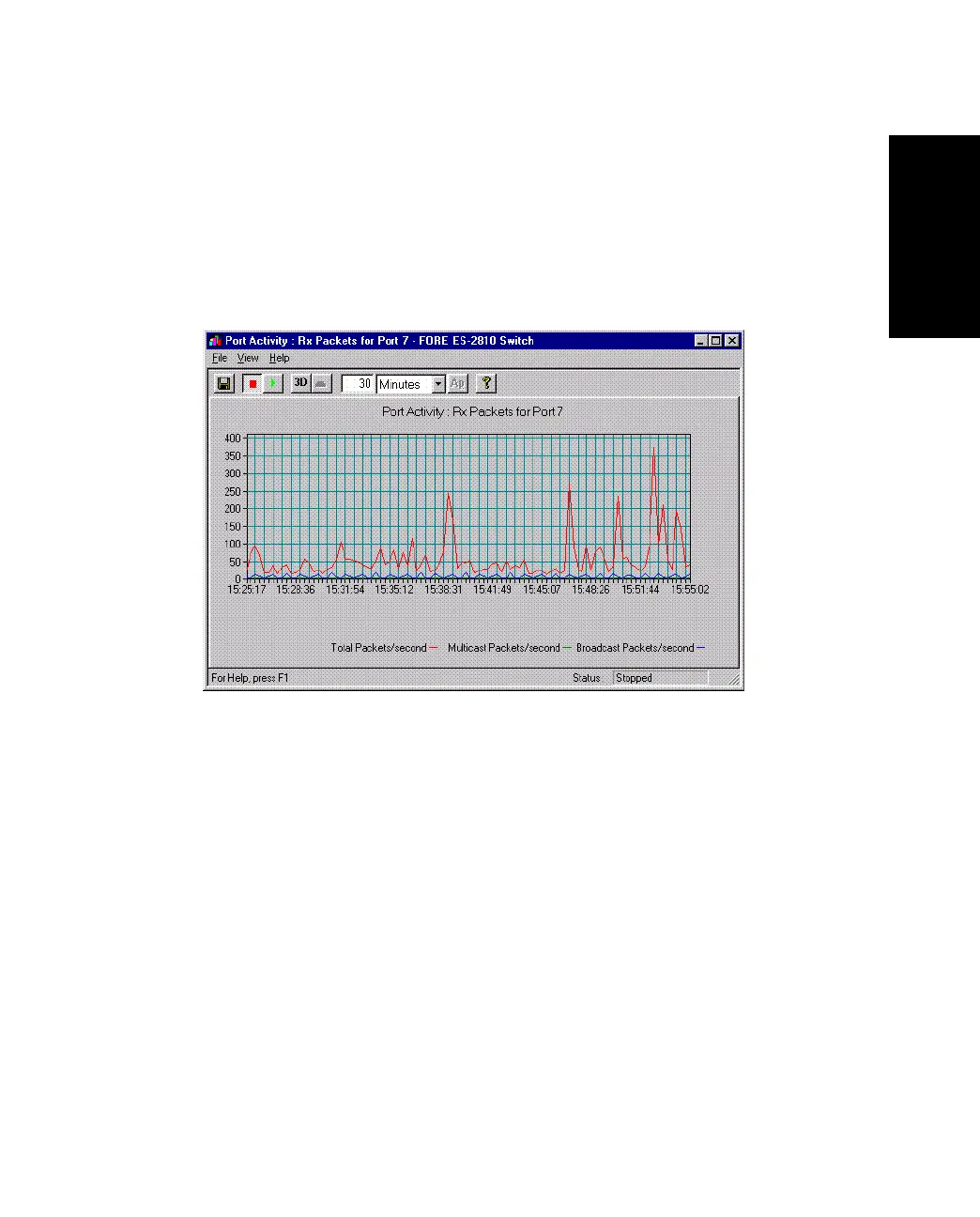
2. Select Port Activity>RX Packets. The Port Activity dialog box appears, as
shown in Figure 5.19.
Figure 5.19 -
Port Activity Graph Dialog Box
3. To change the graph, click 3D.
4. To freeze the graph, click View>Stop Collection.
5.8.7 Monitoring the Packets Transmitted from a Port
Use the following procedure to monitor the transmitted packets on a specific port:
1. Right-click the port.
2. Select Port Activity>TX Packets.
3. To change the graph, click 3D.
4. To freeze the graph, click View>Stop Collection.



 To Next Page