3 - 12
FORE Systems ES-2810 Ethernet Switch User's Manual
Standard Configuration
3.9 Link Aggregation
3.9.1 Purpose
You can combines two or four adjacent ports to increase the bandwidth between two switches
or stacks. You can add a new entry to the list or delete an entry.
3.9.2 Adding an Aggregate Link
To set up and add an aggregate link:
1. Select Device Setup or Stack Setup.
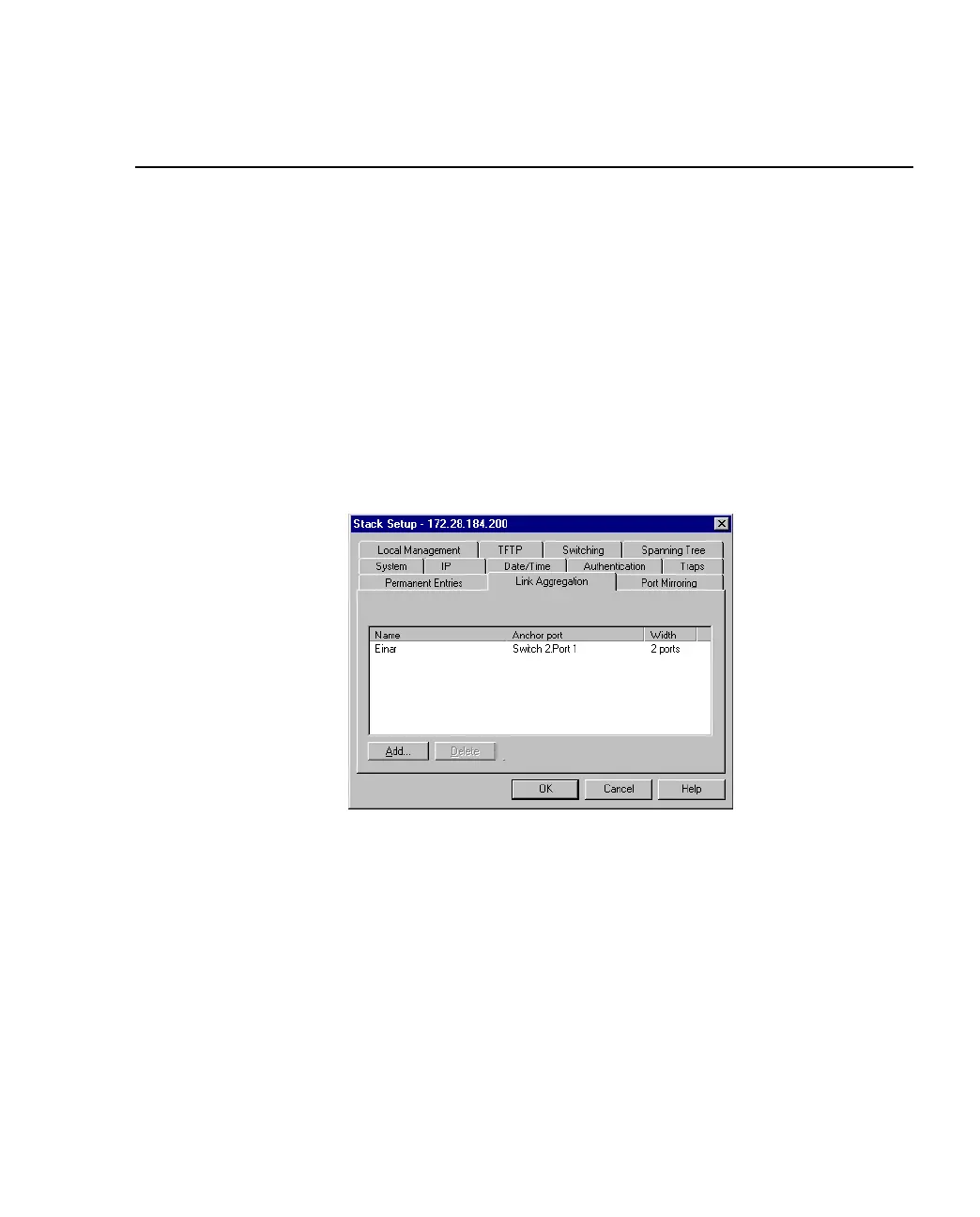
2. Click Link Aggregation.
Figure 3.7 -
Link Aggregation Tab of the Stack Setup Dialog Box
3. Click Add.
4. For a stack, click Switch and select one from the list.
5. Click Aggregation width: and select 2 Ports or 4 Ports.
6. Click Anchor Port and select a port.
7. Type a unique name for the link.
8. Click OK. For further configuration of a link, for example in a VLAN, use the
Anchor Port.



 To Next Page