5 - 28
FORE Systems ES-2810 Ethernet Switch User's Manual
Managing the Switch
5.8.8 Monitoring the VLANs on a Port
Use the following procedure to view the VLANs on the port:
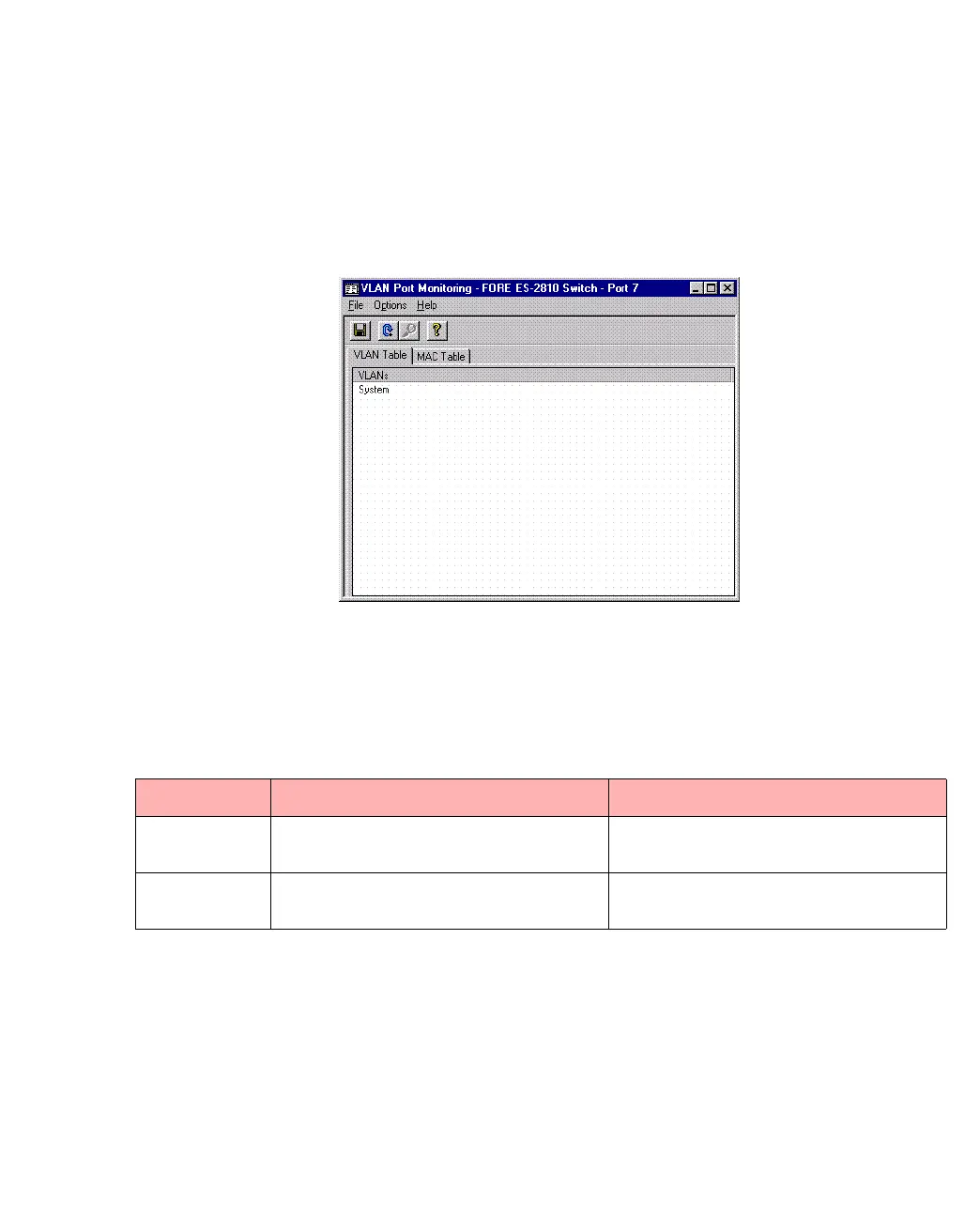
1. Right-click and select VLAN Port Monitoring.
Figure 5.20 -
VLAN Port Monitoring Dialog Box
2. Click either of the tabs to view details of that port, as described in Table 5.3.
Table 5.3 -
Tab Options for VLAN Port Monitoring Dialog Box
Tab Name Shows the VLAN’s... Double-click a row to show the...
VLAN Table in which this port is contained MAC addresses learned on this port in
that specific VLAN
MAC Table MAC addresses and
IP addresses
other VLANs in which this address is
contained



 To Next Page