FORE Systems ES-2810 Ethernet Switch User's Manual
5 - 41
Managing the Switch
Managing the Switch
5.15.3 Switch Position Organizer
5.15.3.1 Using the Switch Position Organizer
This tool enables you to reposition the switches displayed on screen, so they have the same
relative position to each other as the physical switches in the stack. Use the following proce-
dure to reposition a switch:
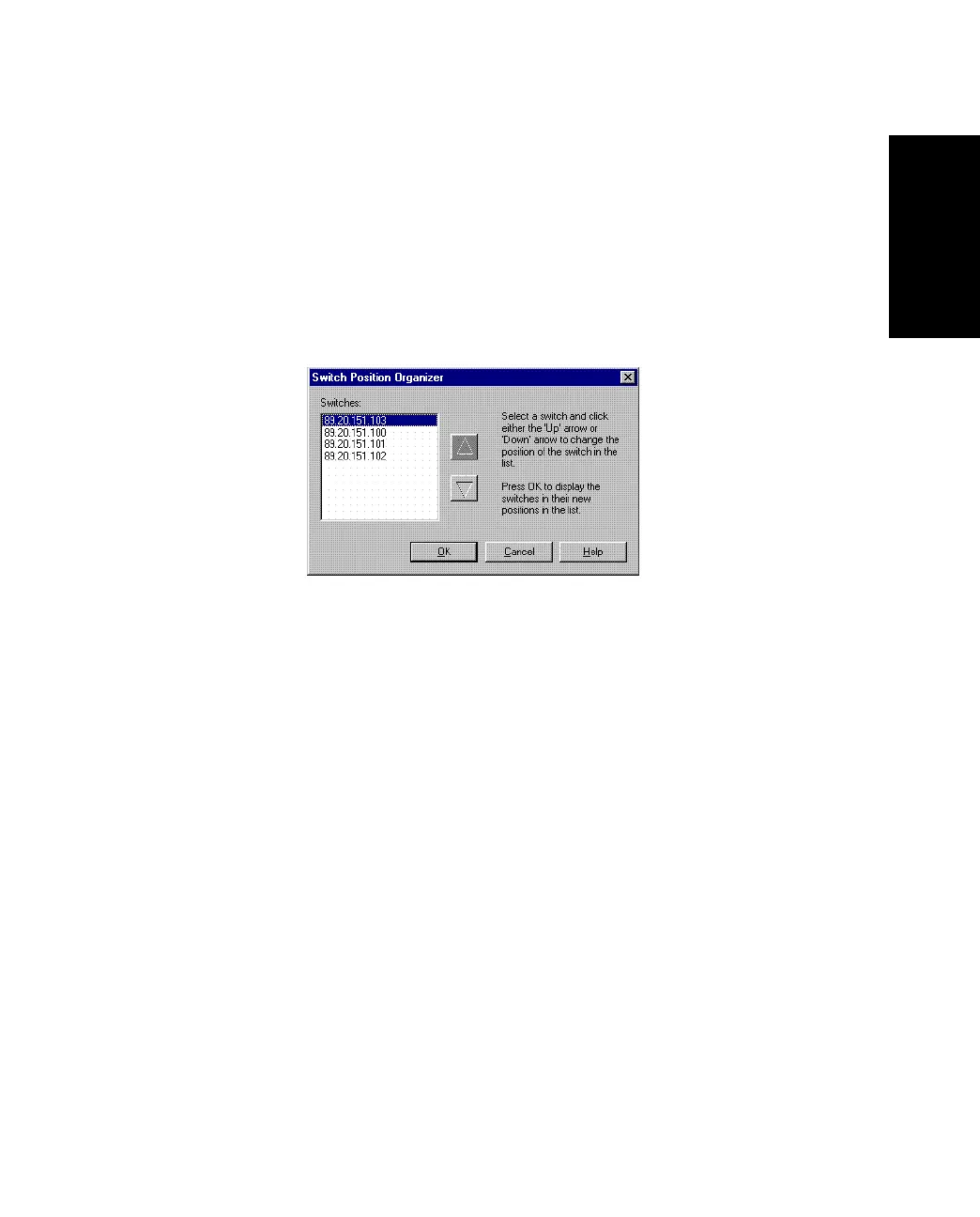
1. Select Tools>Switch Position Organizer.
Figure 5.26 -
Switch Position Organizer Dialog Box
2. Click the switch’s IP address.
3. Use the arrows to change the position of the IP address in the list.
4. To update the names of the individual switches to match the physical position
view, check the Update individual switch names too.
5. Click OK. The switches in Device View now change position. The new order is
stored in the switch, so the order is maintained regardless of where you manage
them.



 To Next Page