2 - 10
FORE Systems ES-2810 Ethernet Switch User’s Manual
FORE Stack View
2.8 Setting the Preferences
2.8.1 Setting the Polling Intervals
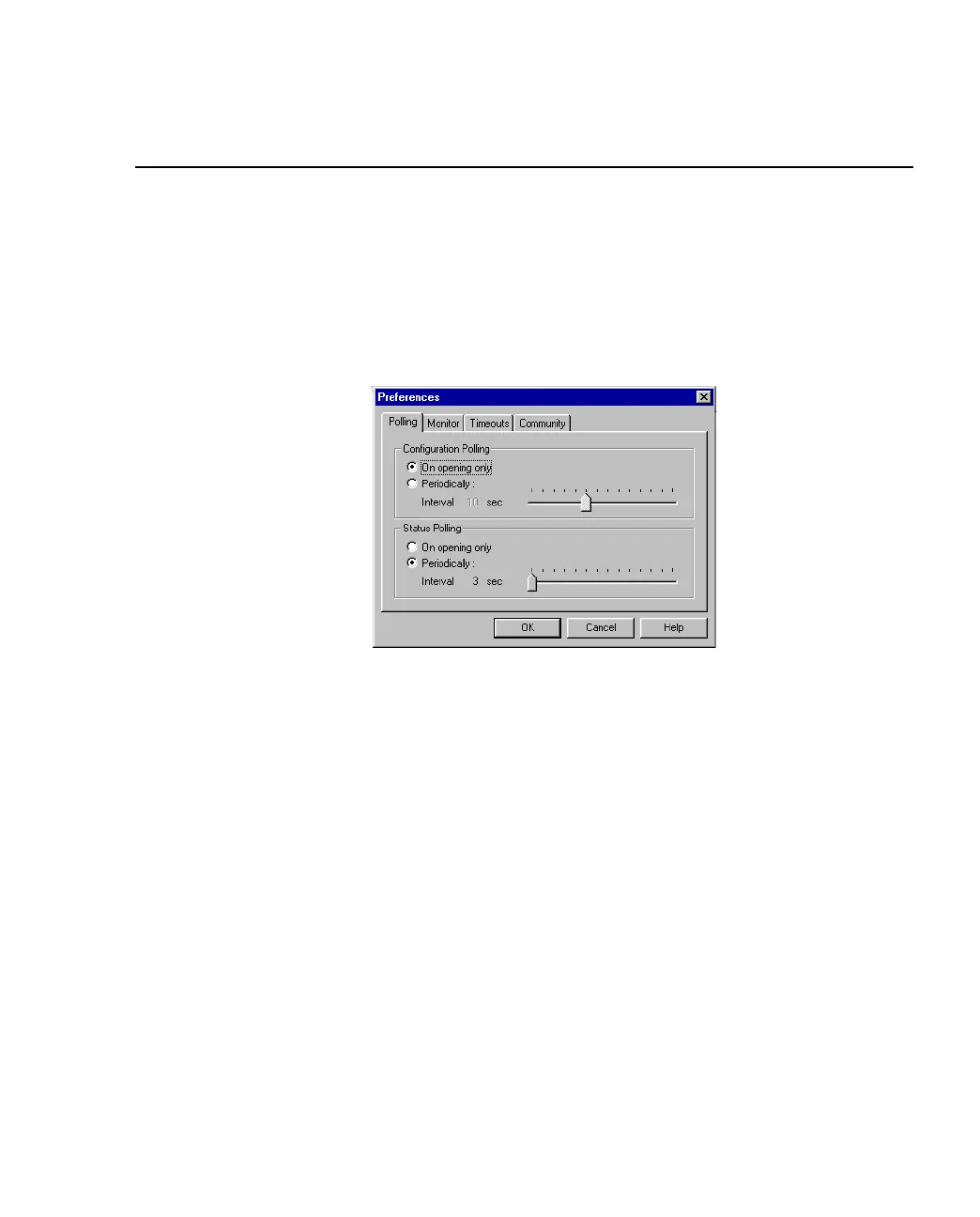
The polling intervals determine how often FORE Stack View contacts the switch or stack and
updates the status and information displayed. To change the polling parameters:
1. Select Monitoring>Preferences.
Figure 2.3 -
Polling Tab of Preferences Dialog Box
2. Click Polling or Monitor.
3. If you want the polling to happen more frequently than just on opening, click
Periodically.
4. Move the Interval slider to the required time.
5. Click OK.



 To Next Page