2 - 18
FORE Systems ES-2810 Ethernet Switch User’s Manual
FORE Stack View
2.10.2 Identifying Devices
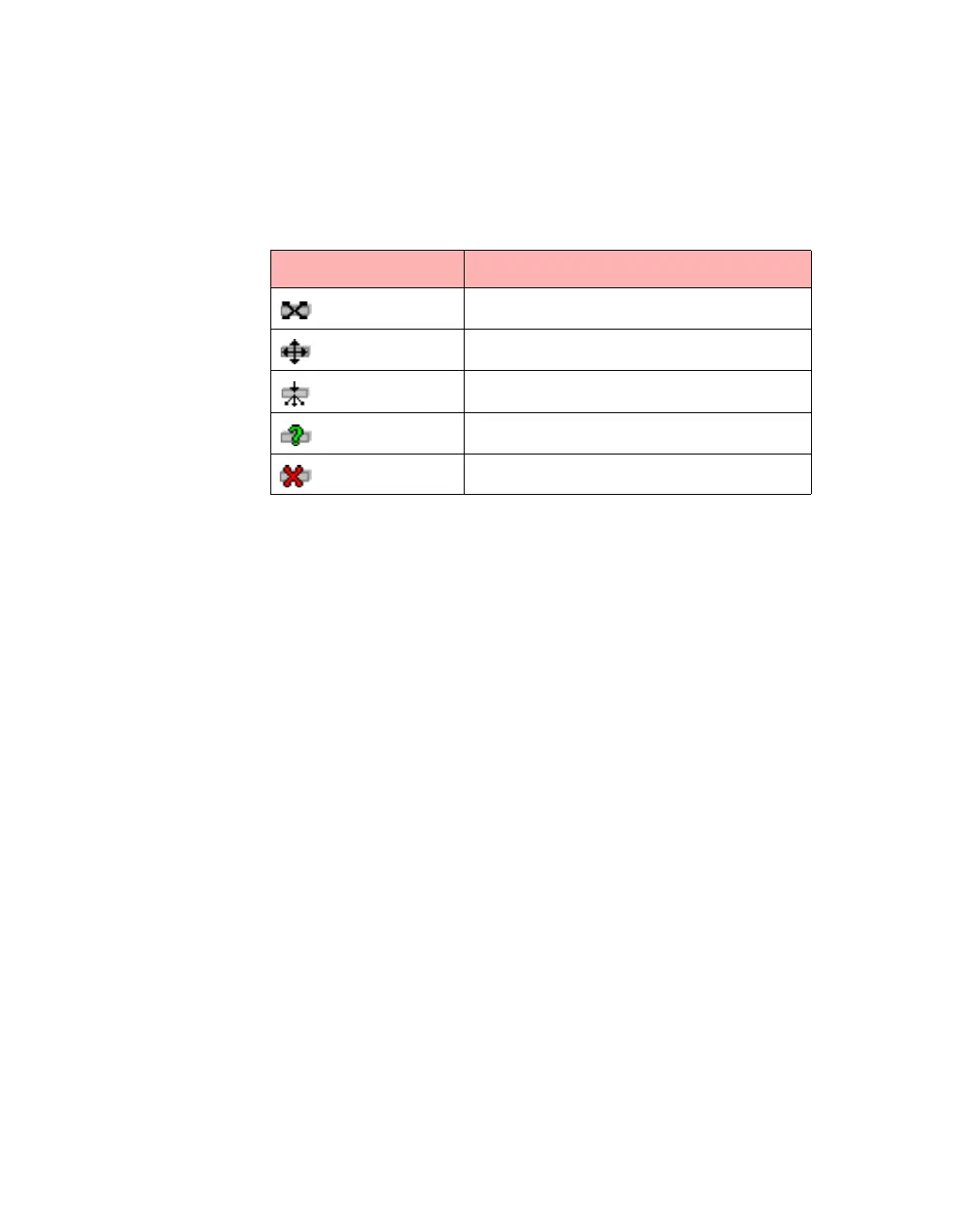
The Device Tree uses several icons to represent the individual devices:
2.10.3 Installing and Managing Switches
Double clicking the switch’s IP address or MAC address opens existing switches in the FORE
Stack View window, or starts the Install Wizard for new switches.
Table 2.2 -
Device Icons in the Device Tree
Icons Device Description
Recognized as a switch.
Recognized as a router.
Recognized as a hub.
Device contacted, but not recognized.
Lost contact with device.



 To Next Page