FORE Systems ES-2810 Ethernet Switch User's Manual
3 - 3
Standard Configuration
Standard
Configuration
3.3 System Configuration
3.3.1 Identifying the Switch
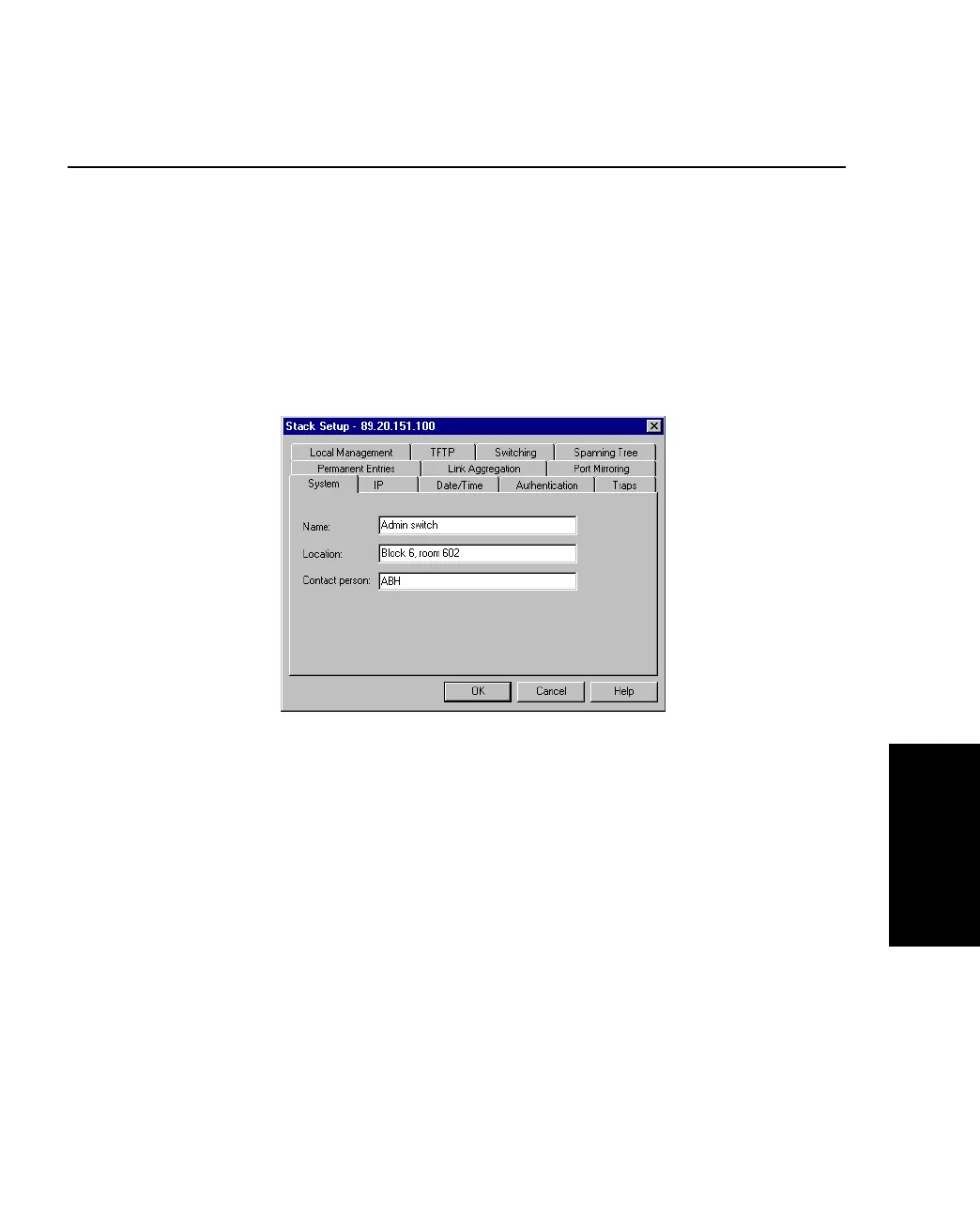
To assist with switch identification and administration, you can change certain switch details
(name, location and contact person). With a switch or stack in the Device View window:
1. Select Device Setup or Stack Setup.
2. Click System.
Figure 3.1 -
Stack Setup Dialog Box
3. Change the details.
4. Click OK.
These details are used by SNMP management centers.



 To Next Page