FORE Systems ES-2810 Ethernet Switch User’s Manual
2 - 15
FORE Stack View
FORE Stack View
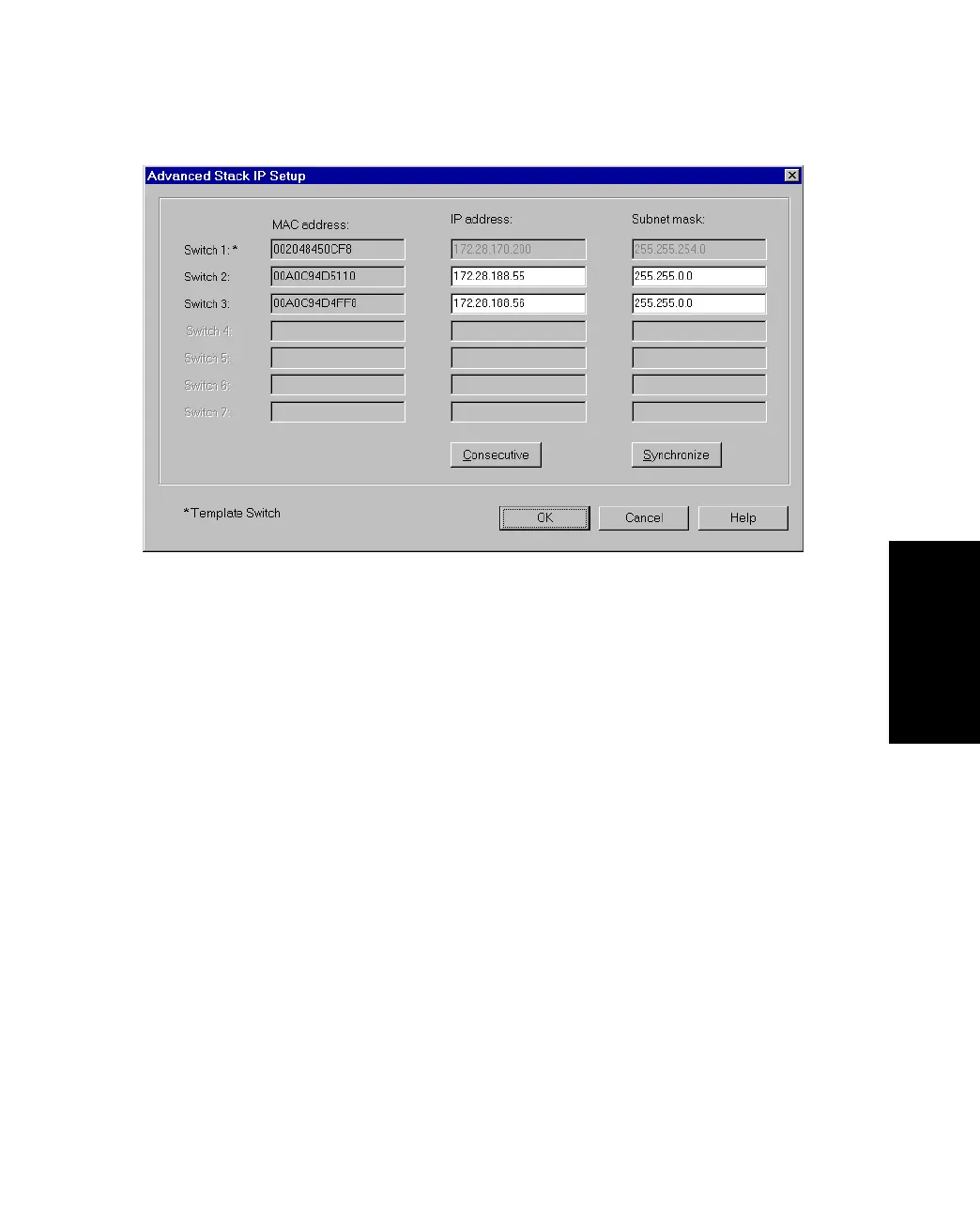
Figure 2.8 -
Advanced Stack IP Setup Dialog Box
The Synchronization Wizard completes the installation. The complete stack, including the new
switch, then appears in the FORE Stack View window. The Synchronization wizard is
described in detail in “Stack Synchronization Manager” on page 5-40.
2.9.5 Managing an Existing Switch or Stack
To manage a switch or stack that has an IP address already assigned:
1. Select Device>Manage. The Manage dialog box appears.
2. Type in the switch’s IP Address or MAC address.
3. Select the box if you want to open the switch in a new FORE Stack View window.
4. Click OK.



 To Next Page