3 - 4
FORE Systems ES-2810 Ethernet Switch User's Manual
Standard Configuration
3.4 Internet Protocol Configuration
3.4.1 Changing IP Details
The IP configuration information is used to contact the switch via IP protocols (TFTP, SNMP,
TELNET etc.). To change the main IP address and network mask:
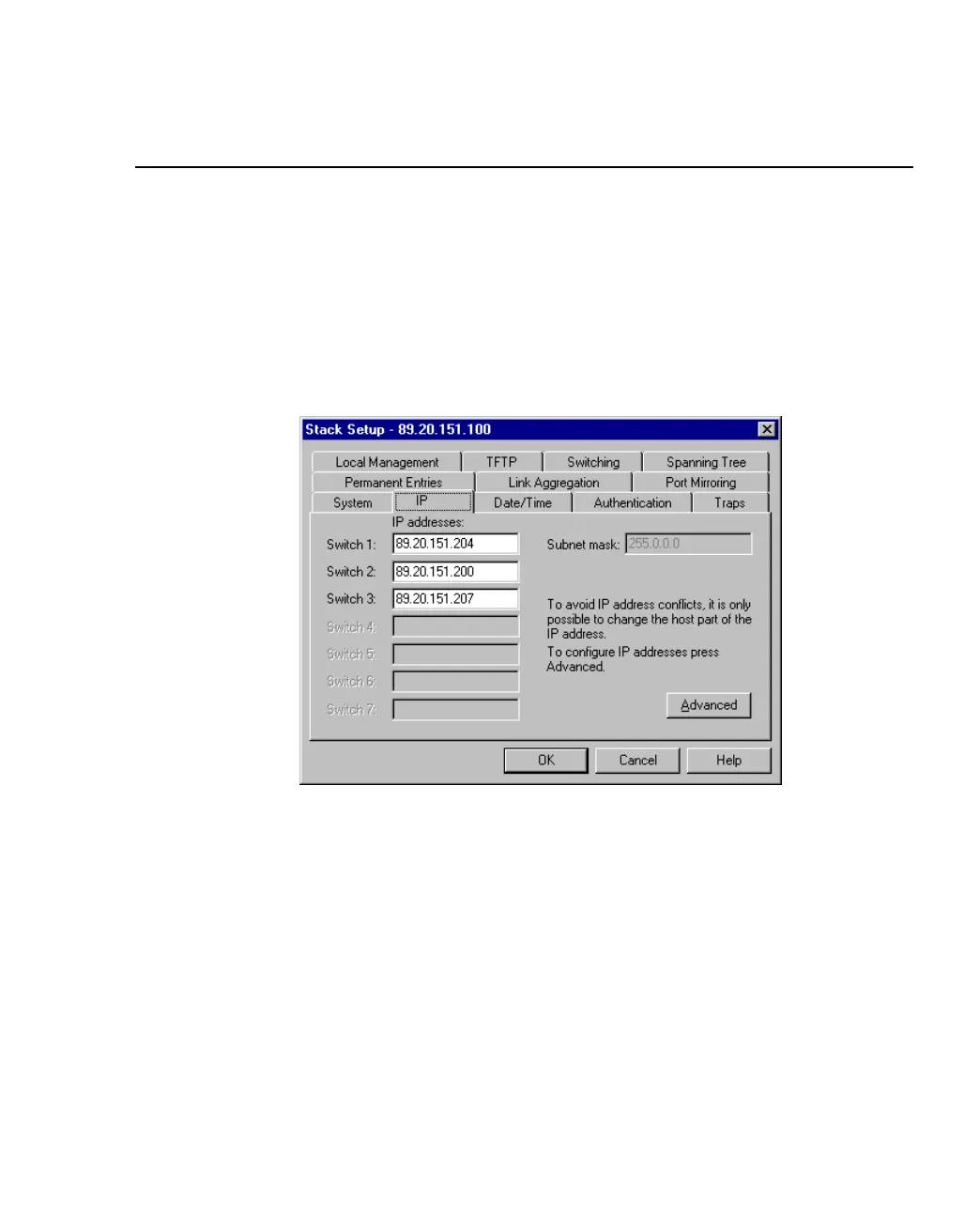
1. Select Device Setup or Stack Setup.
2. Click IP.
Figure 3.2 -
IP Tab of the Stack Setup Dialog Box
3. Change the details.
4. Click OK.



 To Next Page