2 - 32
FORE Systems ES-2810 Ethernet Switch User’s Manual
FORE Stack View
2.16 Errors Window
2.16.1 Errors Window
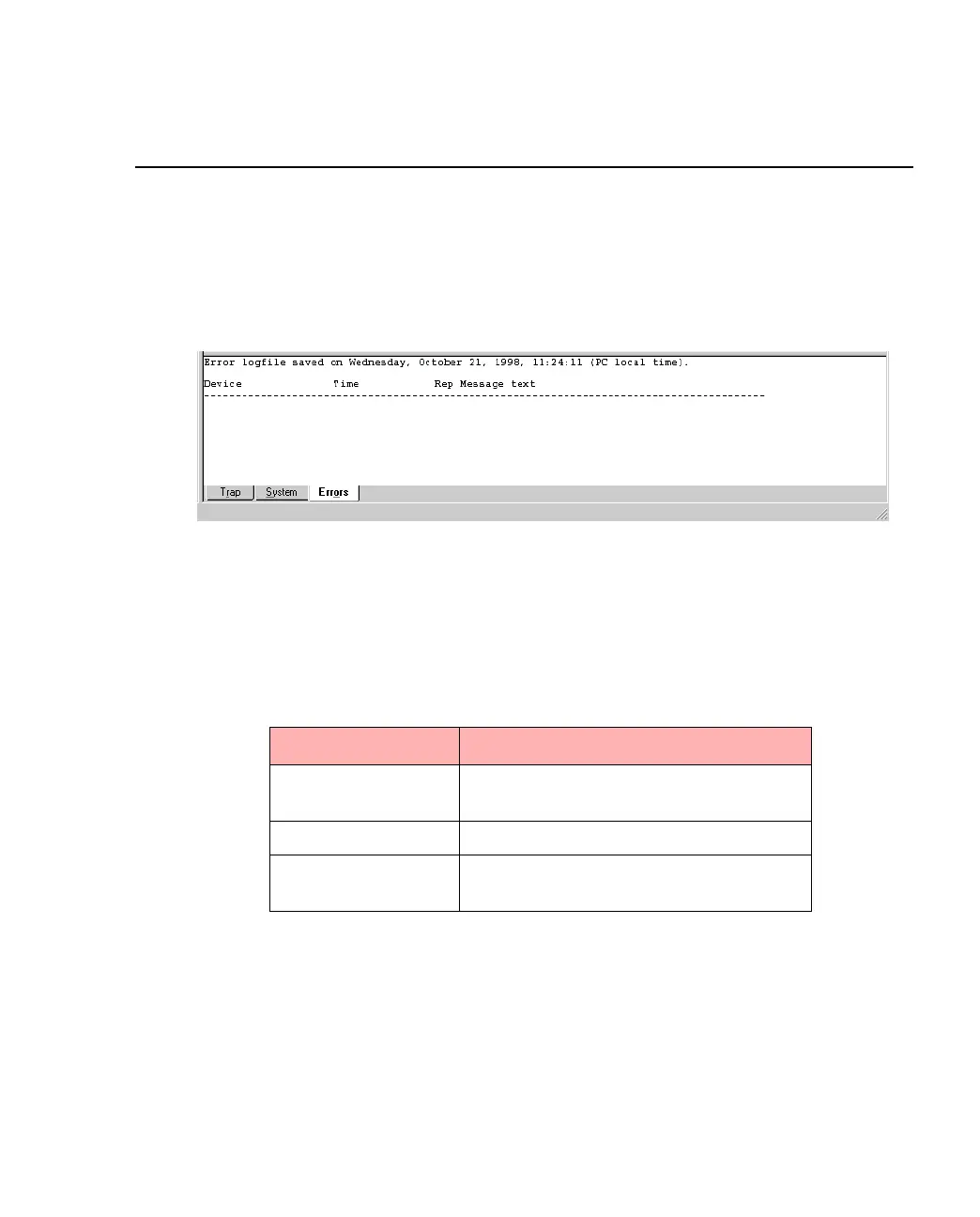
The Errors window, shown in Figure 2.14, is a log of all error messages generated by the
switch.
Figure 2.14 -
The Error Window
2.16.2 Right Mouse Button Commands
Right click a message to access the functions described in Table 2.13.
Table 2.13 -
Right Click Command Options in Error Window
Functions Description
Refresh Reloads and updates all the information
in this window.
Clear Clears all the messages displayed.
Pause Pauses the normal updating of informa-
tion in this window.



 To Next Page