FORE Systems ES-2810 Ethernet Switch User’s Manual
1 - 19
Introduction to the ES-2810
Introduction to the ES-
2810
1.9.3 Port LED States
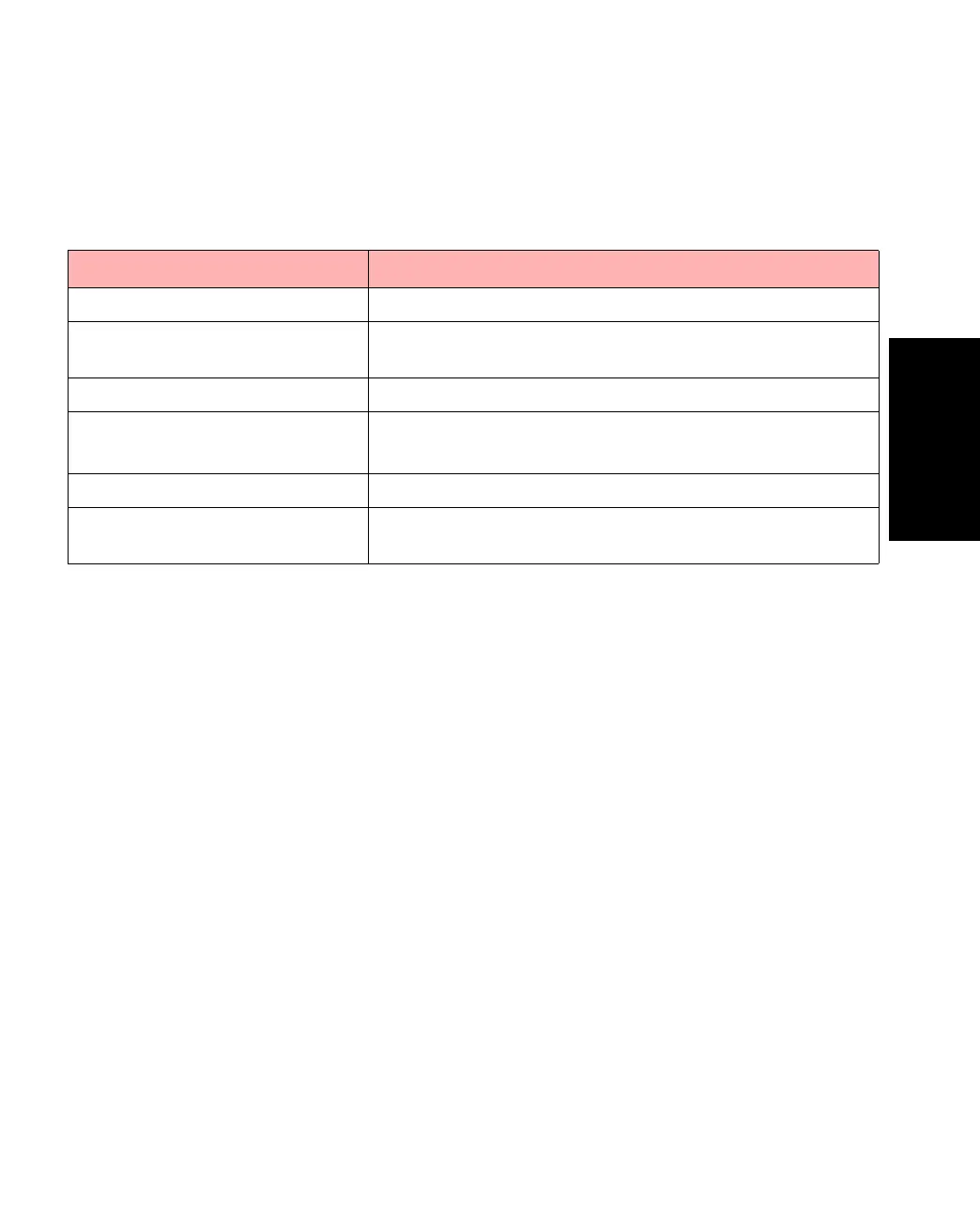
The LEDs reflect the state of each port:
Table 1.11 -
Port LED STatus Indications
LED Indicates
No lights Port enabled, no link.
Green, blinking
randomly
Port enabled, Rx/Tx traffic, link pulse active.
Green, solid Port enabled, link pulse active.
Green and Orange both blinking
randomly
Collision detected (with half duplex).
Port enabled, link pulse active.
Orange, solid Port disabled by management.
Green and Orange both solid Port disabled by a hardware fault, or no hardware con-
nected.



 To Next Page